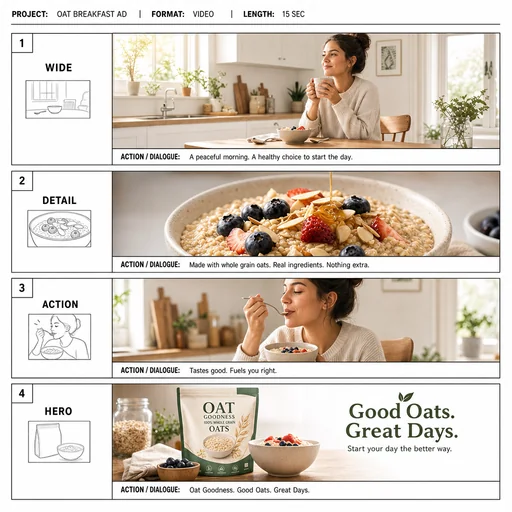
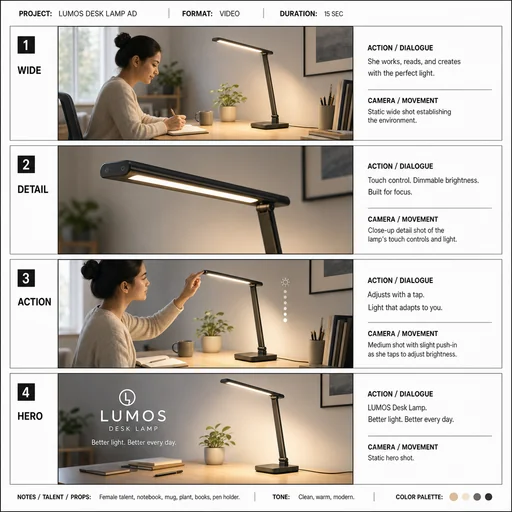
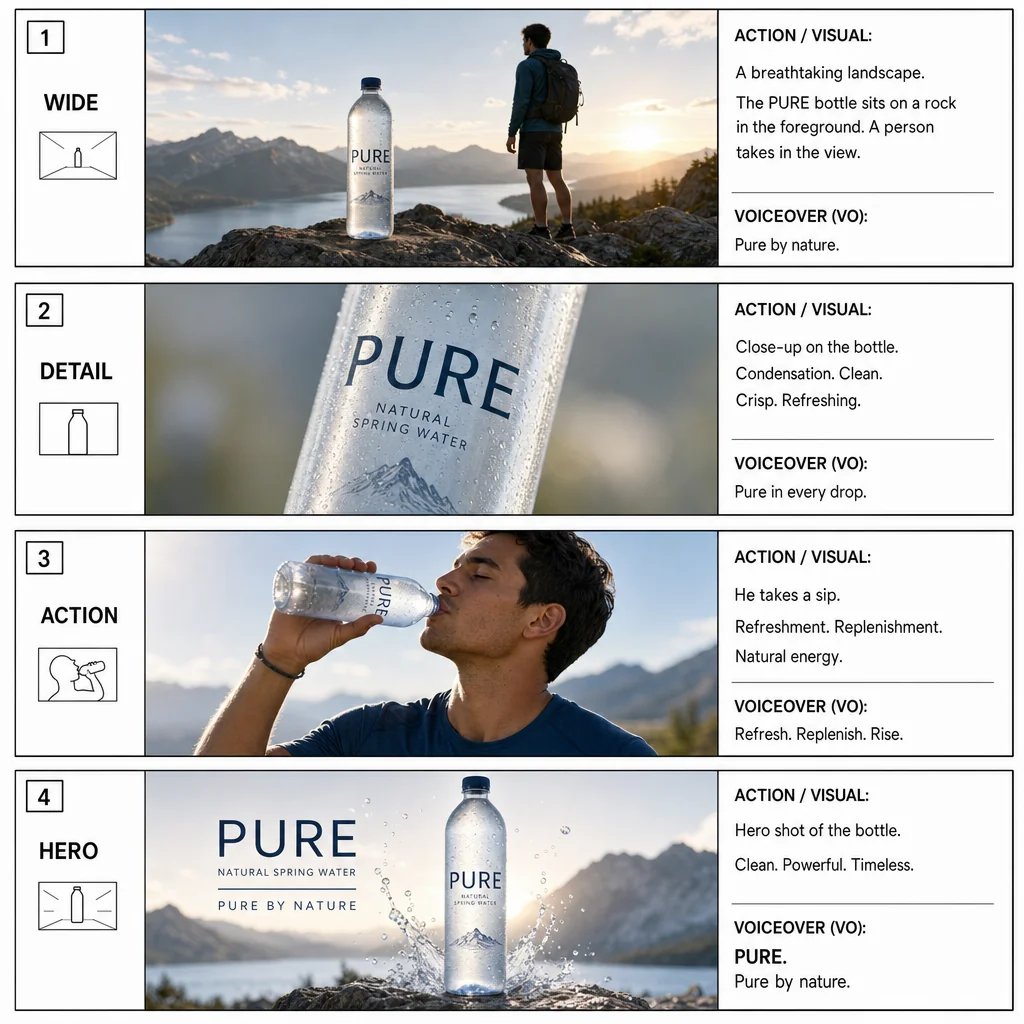
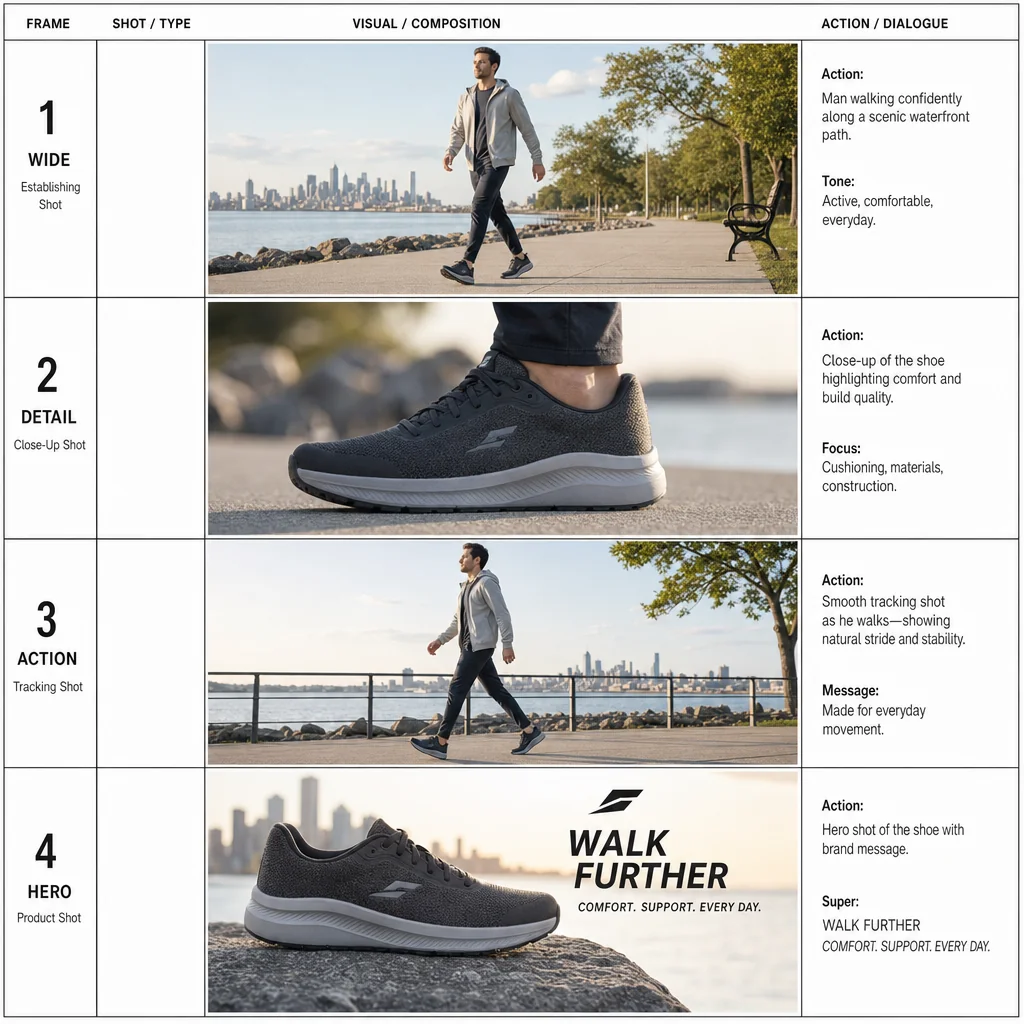
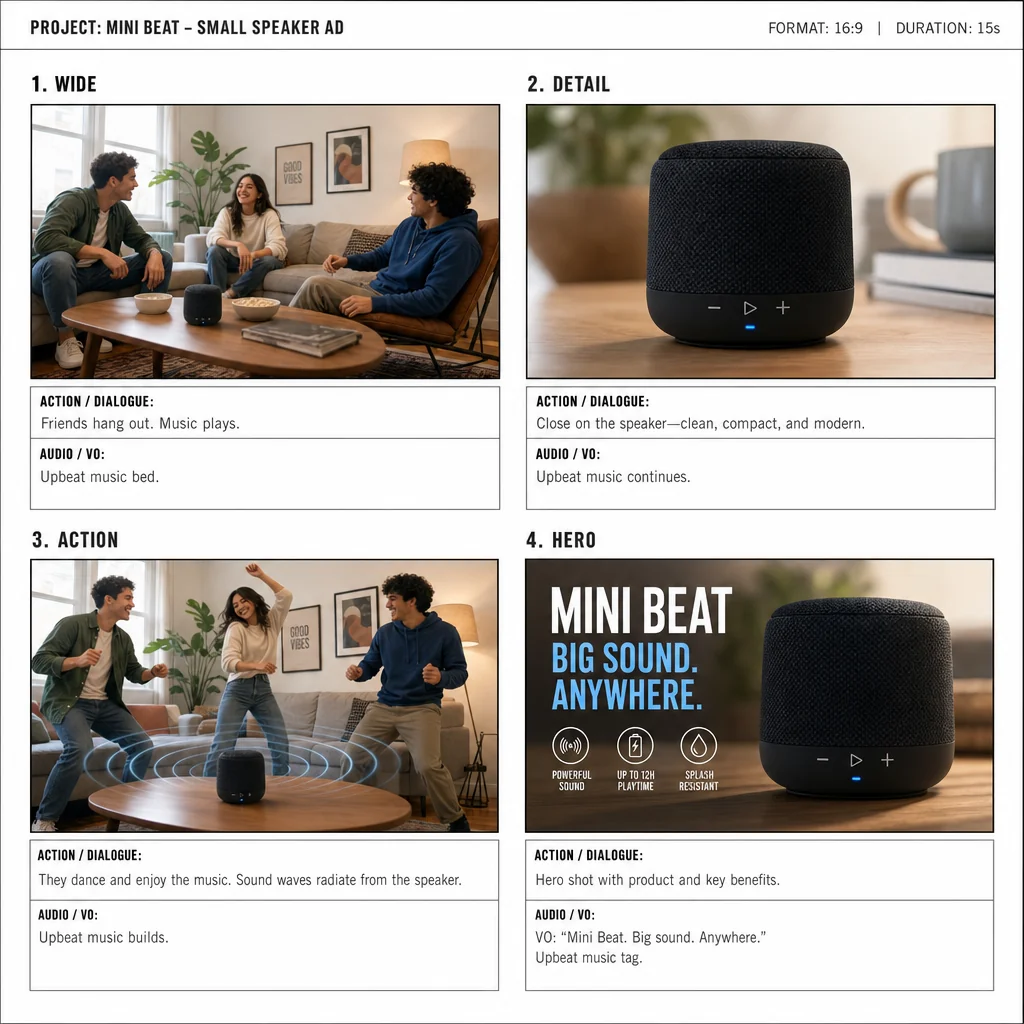
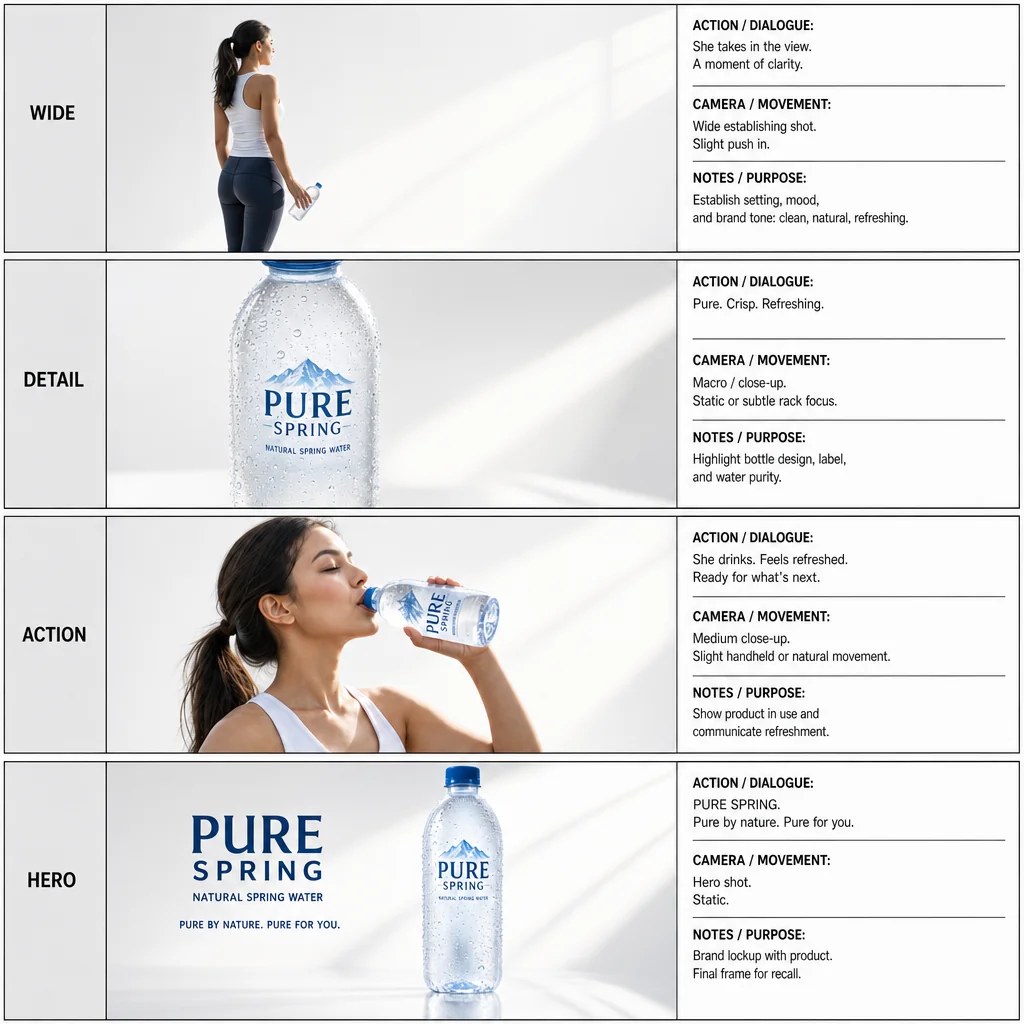
A four-frame bottle advertisement storyboard labeled WIDE, DETAIL, ACTION and HERO.Four-shot oat breakfast advertisement storyboard, ending with Good Oats. Great Days.A desk-lamp advertisement storyboard with four sequential frames labeled WIDE, DETAIL, ACTION and HERO.A four-frame small-speaker advertisement labeled WIDE, DETAIL, ACTION and HERO.Four walking-shoe ad frames labeled WIDE, DETAIL, ACTION and HERO show a man walking and matching shoe details.

Ad-production storyboard

Create production-ready storyboards with clear sequential frames, varied shot types, and space for annotations suited to ad shoots.

  1. Describe
  2. Log in
  3. Create
  • Describe the storyboard

    Describe the ad sequence, key beats, and number of frames you need.

  • Describe shot and timing

    Describe shot types, camera moves, framing, and annotation spots for each beat.

  • Keep production-friendly layout

    Review spacing, caption areas, and continuity to preserve readability for the shoot.

Production-friendly layouts

Make clear, shoot-ready storyboards

Generate sequential frames with varied shot types, readable action, and reserved caption areas so your crew can interpret camera, timing, and staging quickly.

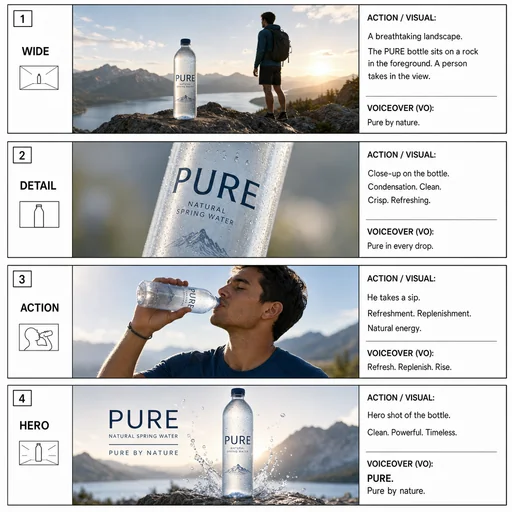
A four-frame bottle advertisement storyboard labeled WIDE, DETAIL, ACTION and HERO.
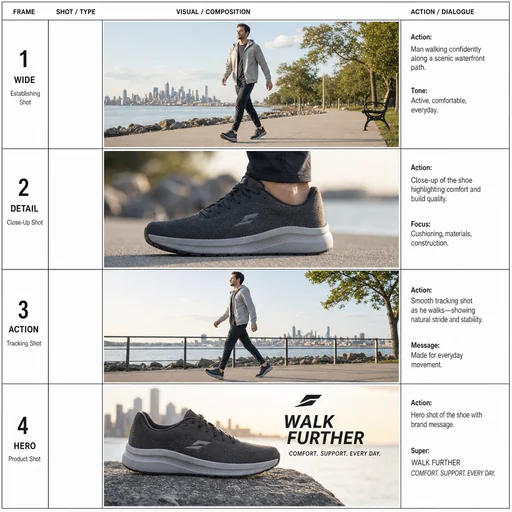
Four walking-shoe ad frames labeled WIDE, DETAIL, ACTION and HERO show a man walking and matching shoe details.
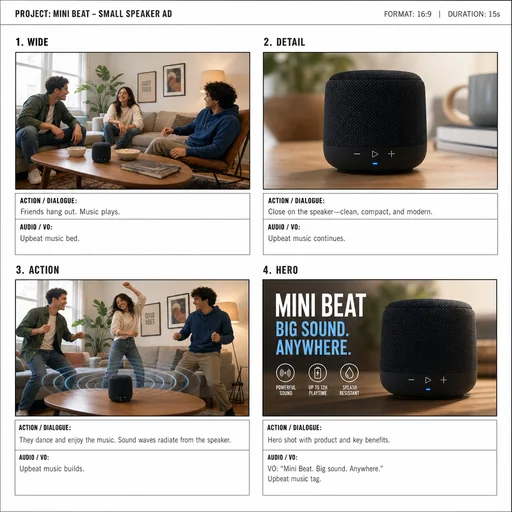
A four-frame small-speaker advertisement labeled WIDE, DETAIL, ACTION and HERO.

Get started

Create a first image, refine that same image, and review the final result.

Step 1

Describe your image

Provide the details for the first image.
Step 2

Refine the first result

Use the actual first result with this follow-up.
Step 3: Review the refined result.

Step 3

Review the refined result

Check the result against the requested details and preserved constraints.