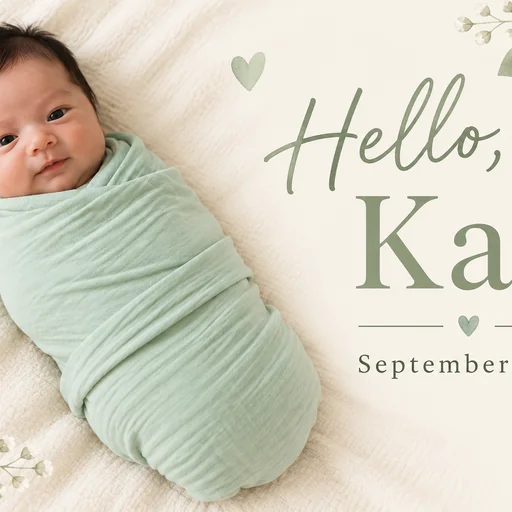
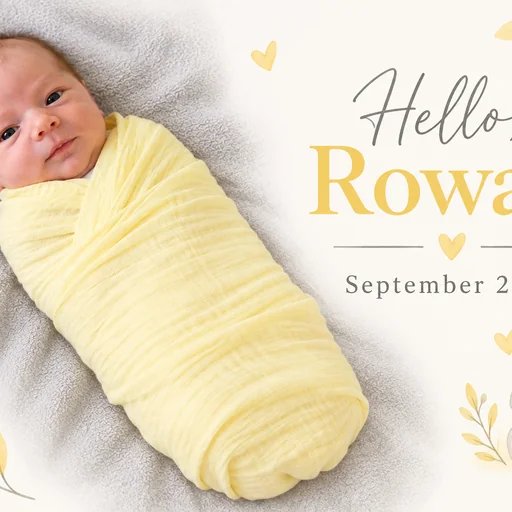
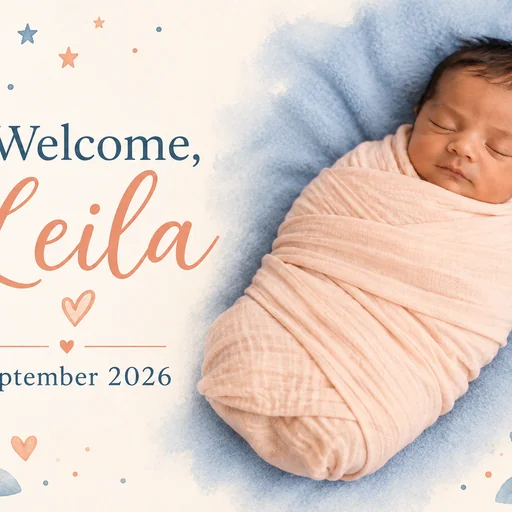
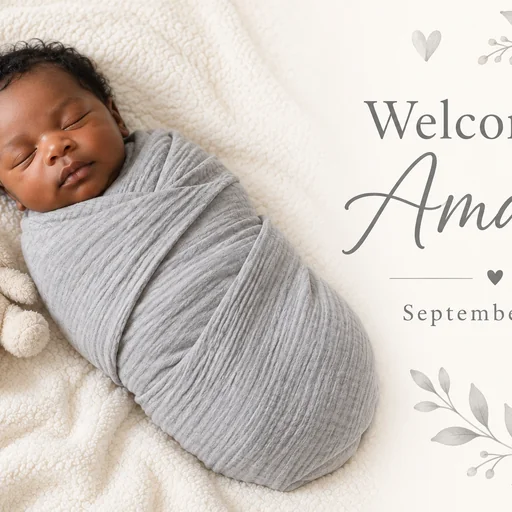
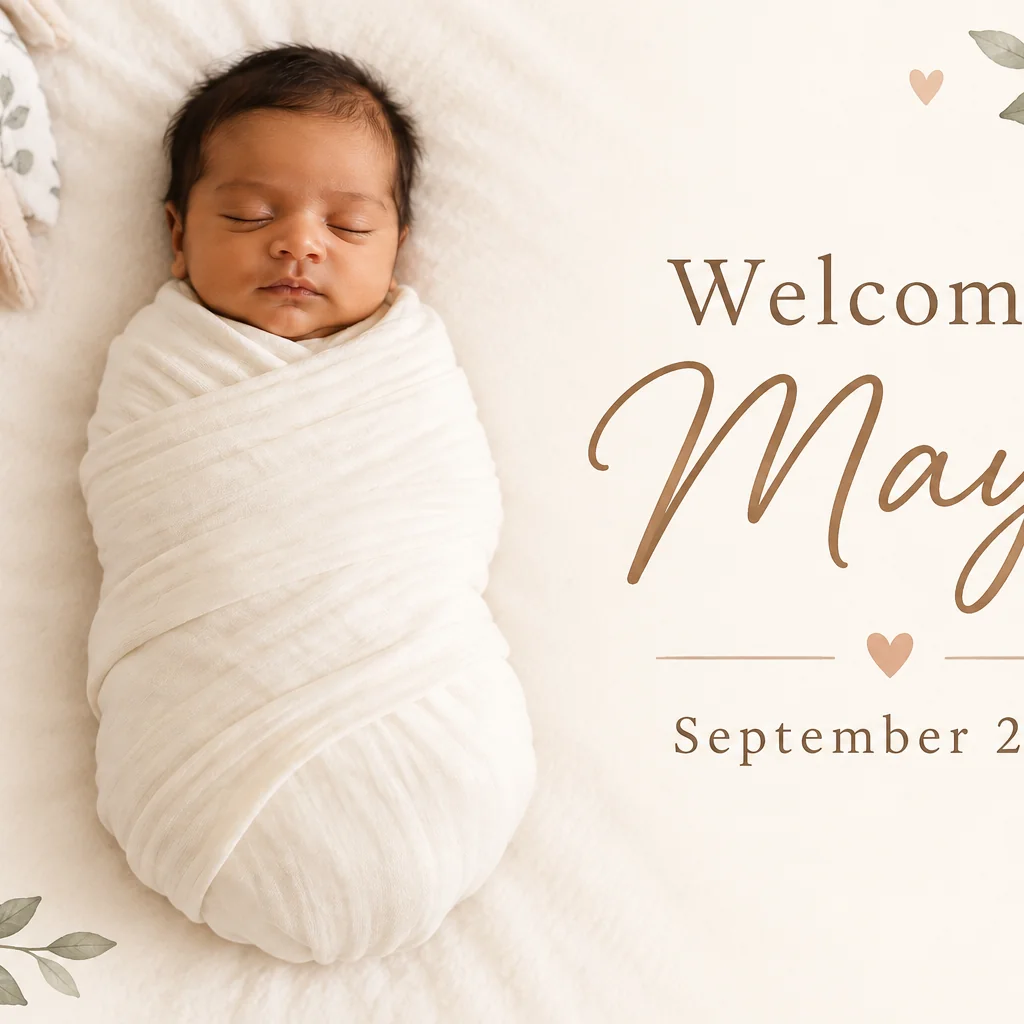
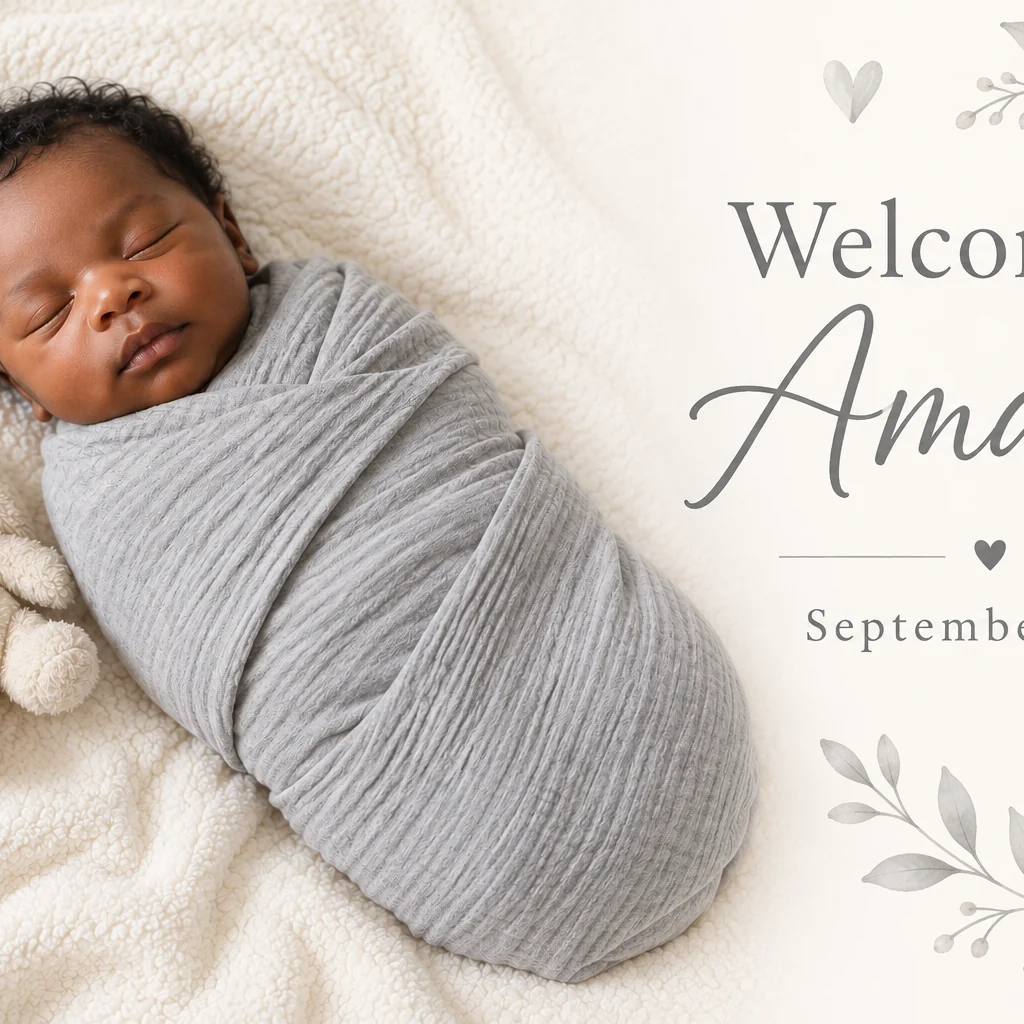
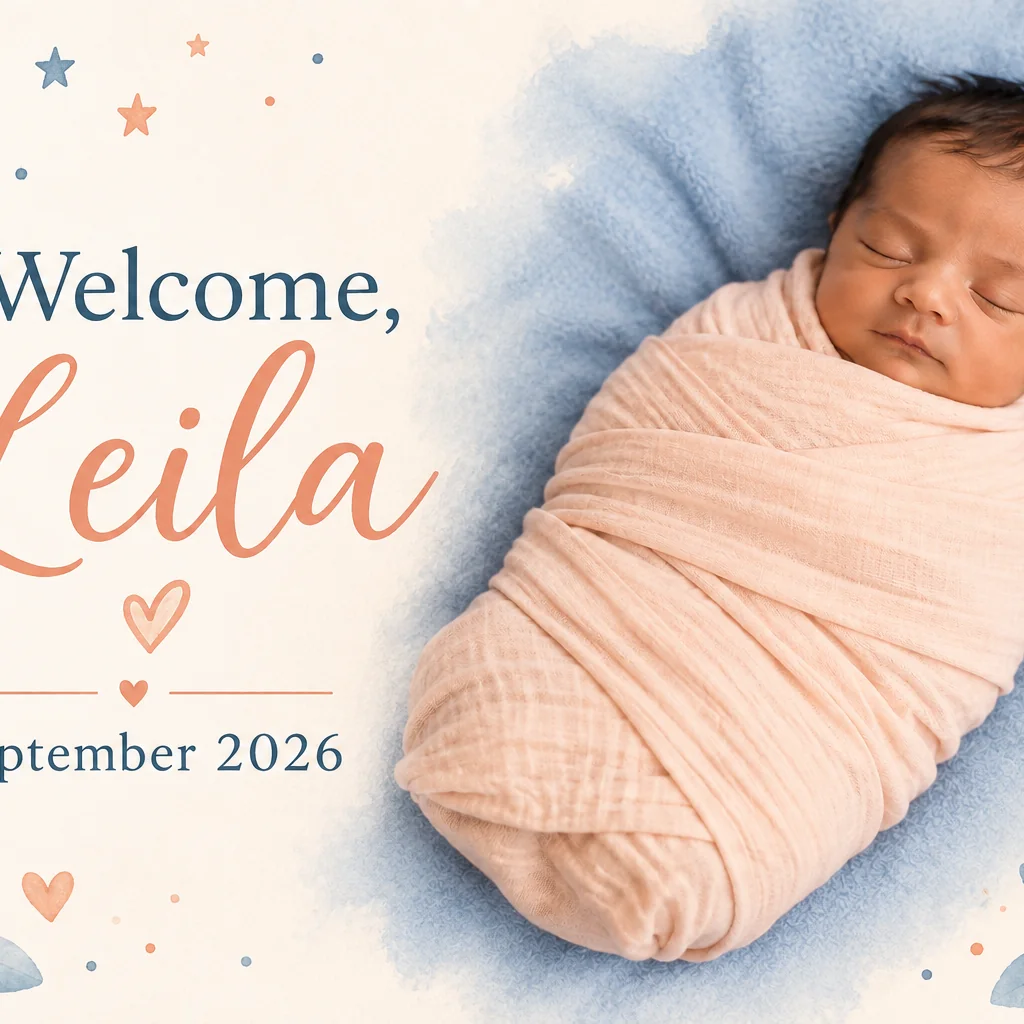
Ivory baby announcement with a sleeping baby in a white swaddle, botanical corners, and Welcome, Maya — September 2026.Mint and cream baby announcement with a baby in a mint swaddle and Hello, Kai — September 2026 surrounded by small leaves and hearts.Pale yellow and gray baby announcement with a baby in a yellow swaddle and Hello, Rowan — September 2026 beside a small illustrated rabbit.Peach and blue baby announcement with a sleeping baby and Welcome, Leila — September 2026 beside moon, stars, and leaves.Gray and ivory baby announcement with a sleeping baby in a gray swaddle, plush rabbit, and Welcome, Amara — September 2026.

Create a Baby Announcement

Create a warm baby announcement from your photo, personal details, and a gentle visual theme.

  1. Upload
  2. Log in
  3. Create
  • Start with the baby photo

    Upload the baby photo you want to feature, along with the announcement details.

  • Shape the announcement

    Describe the gentle theme, name, date, wording, and whitespace you want, then request revisions in follow-up messages.

  • Keep the photo familiar

    Review the announcement and request that your baby's identity, facial features, and photo content remain recognizable.

Warm announcement design

Turn a treasured photo into news

Explore three finished baby announcement examples from distinct fictional photos.

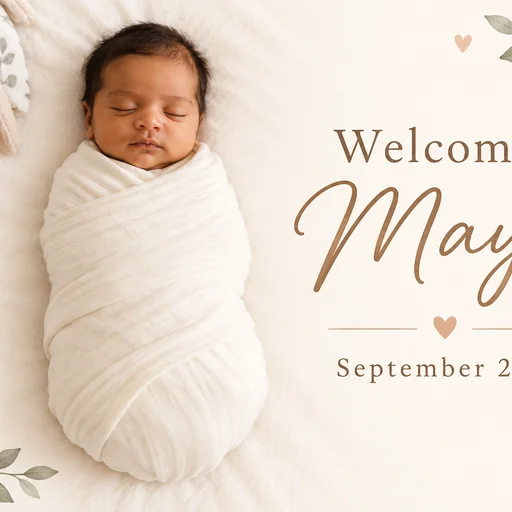
Ivory baby announcement with a sleeping baby in a white swaddle, botanical corners, and Welcome, Maya — September 2026.
Source 1 for Baby announcement: baby ivory swaddle.
Gray and ivory baby announcement with a sleeping baby in a gray swaddle, plush rabbit, and Welcome, Amara — September 2026.
Source 1 for Baby announcement: baby grey swaddle.
Peach and blue baby announcement with a sleeping baby and Welcome, Leila — September 2026 beside moon, stars, and leaves.
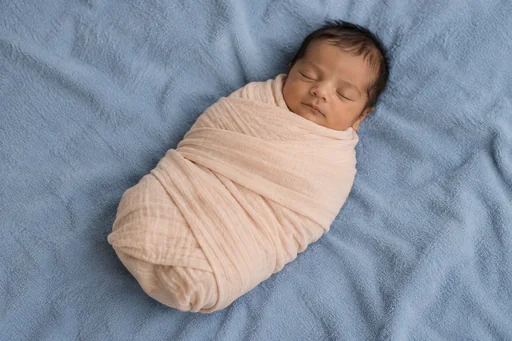
Source 1 for Baby announcement: baby peach swaddle.

Get started

Upload your photo, supply the actual portrait request or exact message, then review the finished result.

Step 1

Upload your photo

Choose the photo whose people and appearance you want to preserve.
Step 2

Write your exact message

Supply the exact displayed words and preferred palette with this same photo attached.

Step 3: Review your announcement. Ivory baby announcement with a sleeping baby in a white swaddle, botanical corners, and Welcome, Maya — September 2026.

Step 3

Review your announcement

Check the unchanged photographed people and every supplied word in the complete design.