Step 1
Add both portraits
Use a clear photo of each person.
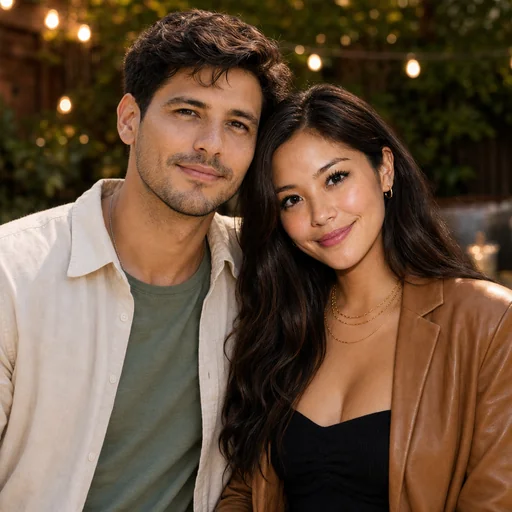


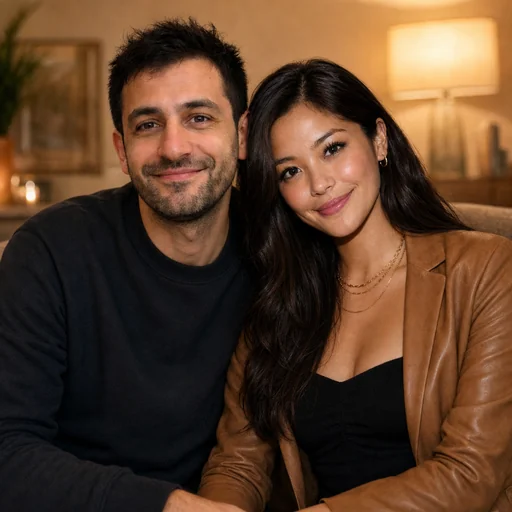
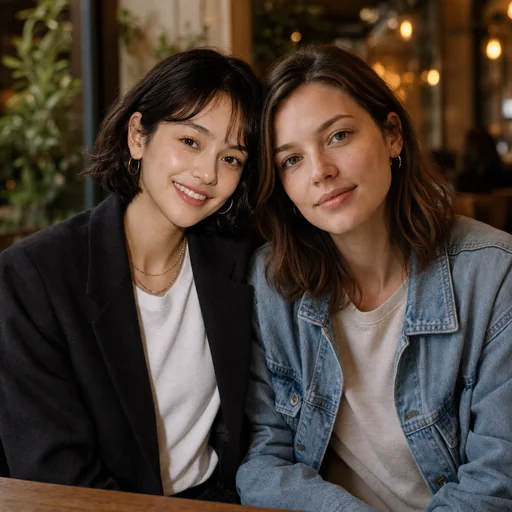
Turn your uploaded photos into a warm, natural portrait while preserving every person's facial features and proportions.
Upload the couple photo you want retouched, keeping the original images for reference.
Describe lighting, background, framing, clothing color, expression, and any pet or accessory details.
Review the portrait to confirm facial features, proportions, and natural skin texture are preserved.
Portraits & likeness
Create flattering couple photos that keep facial geometry, skin tone, and proportions intact while improving background, lighting, and subtle styling for a cohesive portrait.
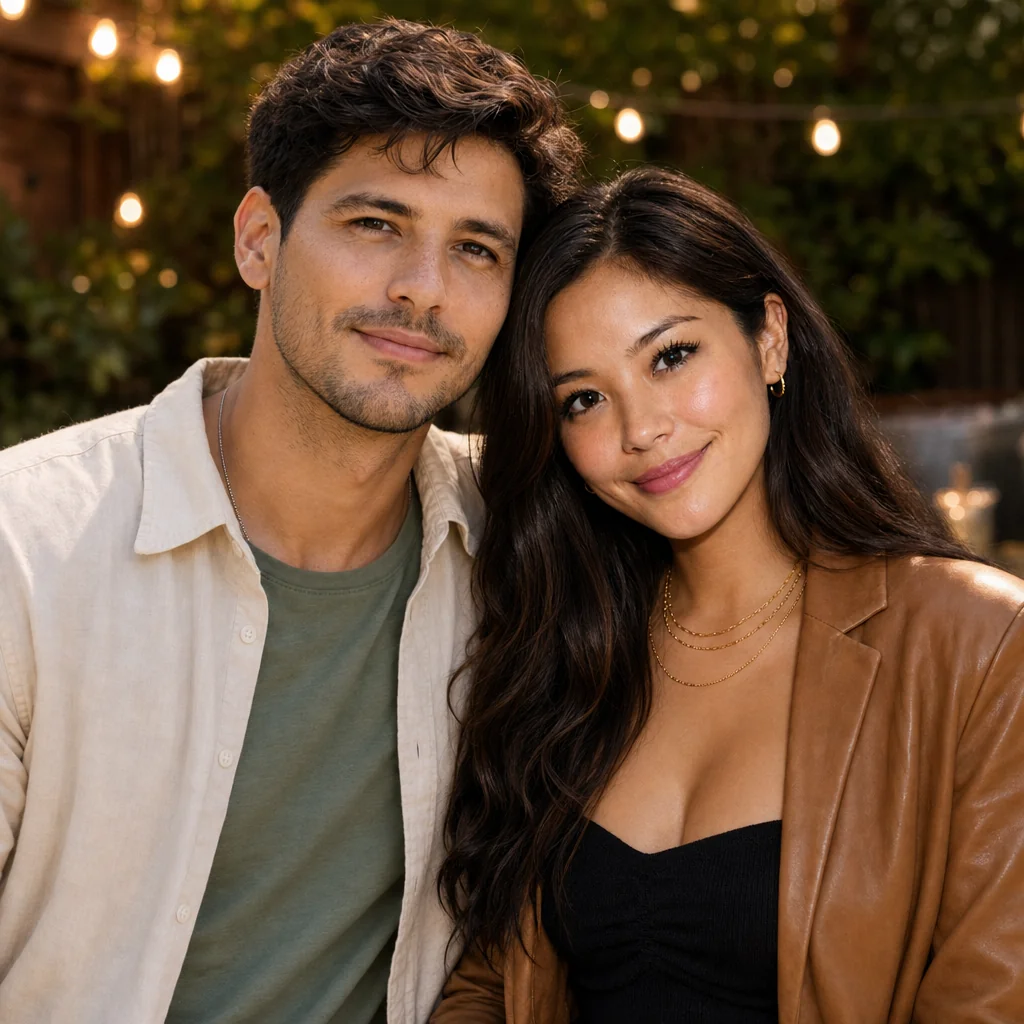
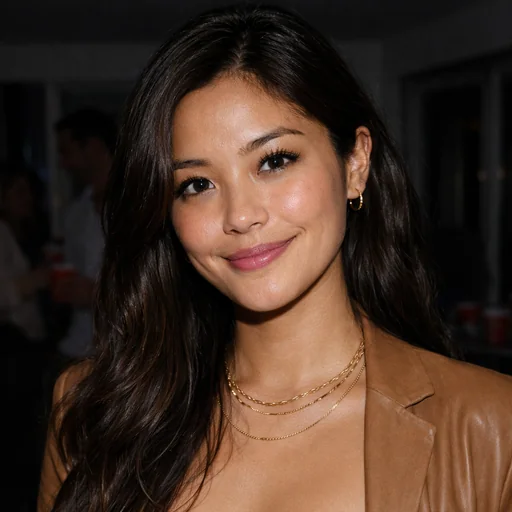

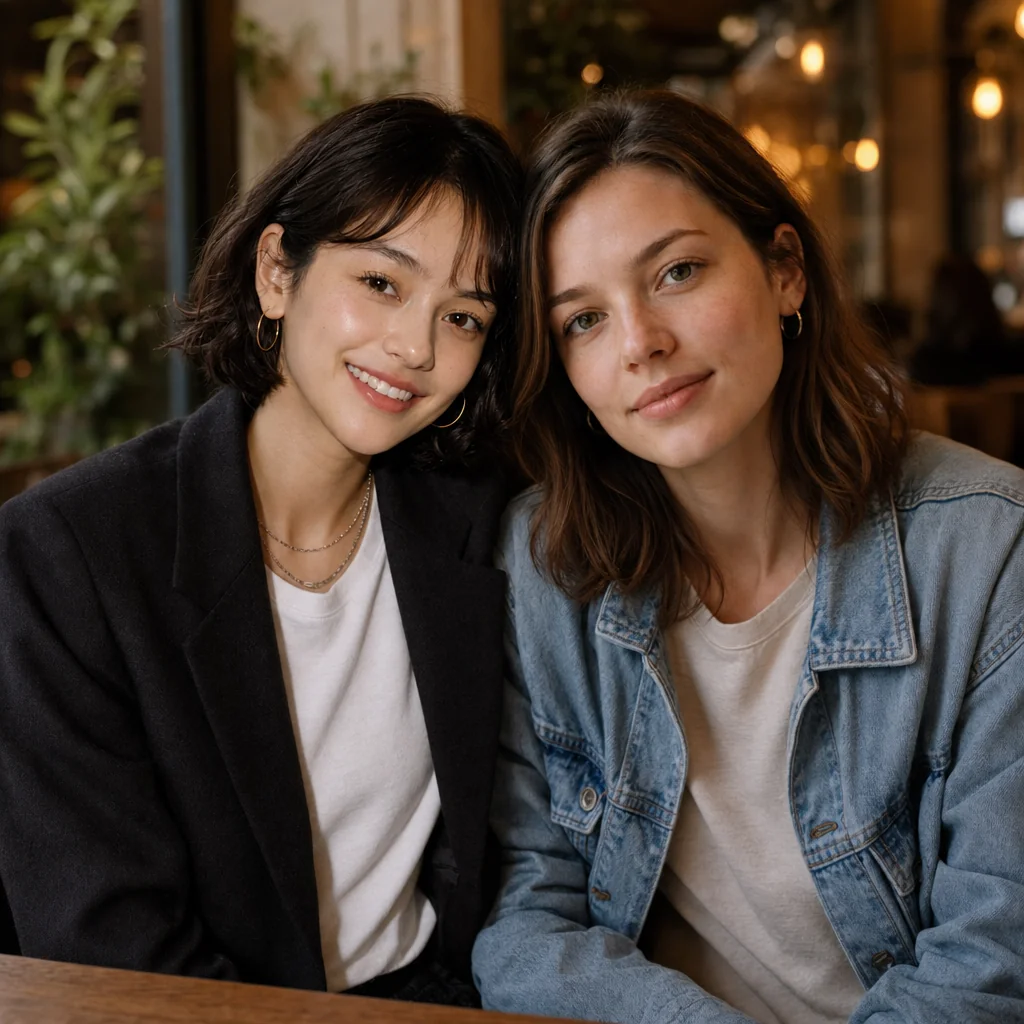
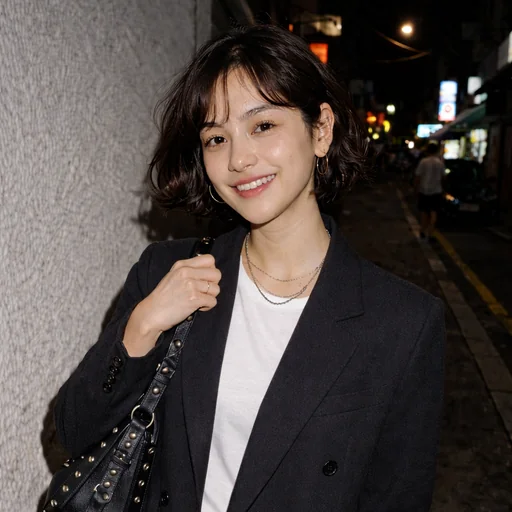
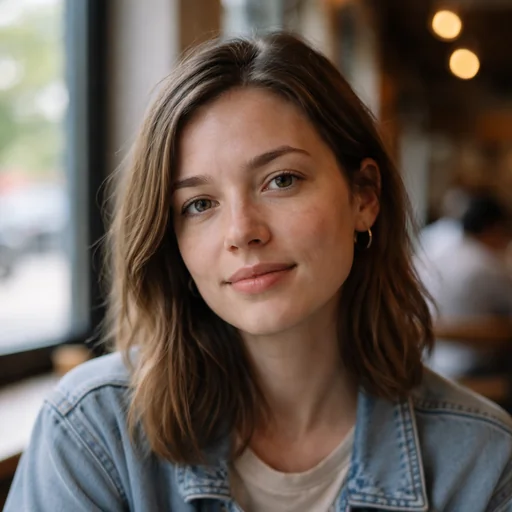
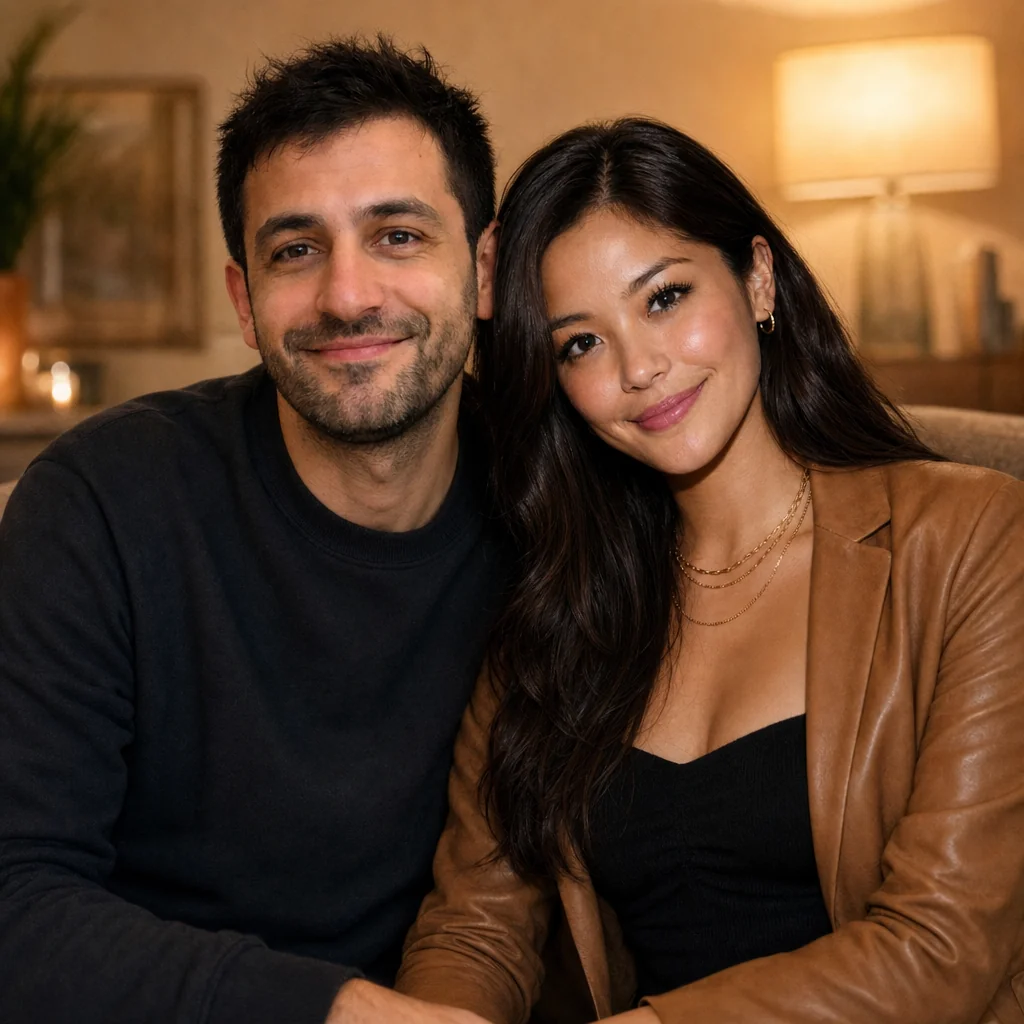

Add both portraits, request a couple portrait and check each person’s likeness.
Step 1
Use a clear photo of each person.
Step 2
Ask for one warm portrait while preserving both faces.
Step 3
Review each person’s recognizable features, natural proportions and spacing.