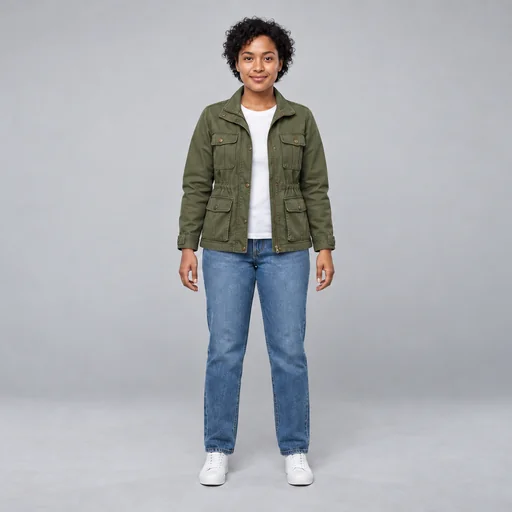
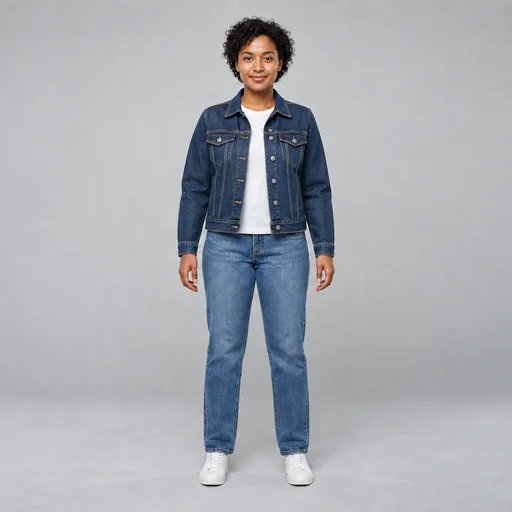
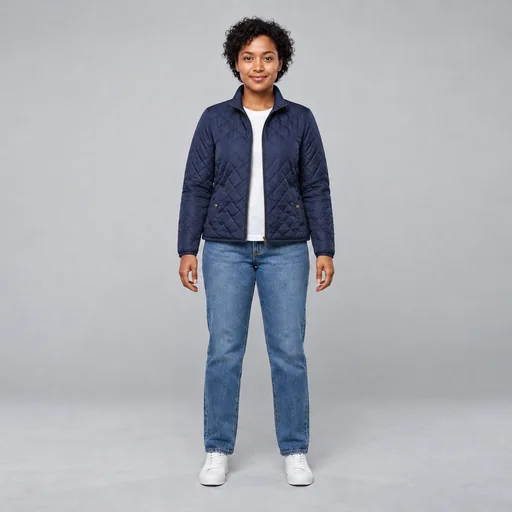
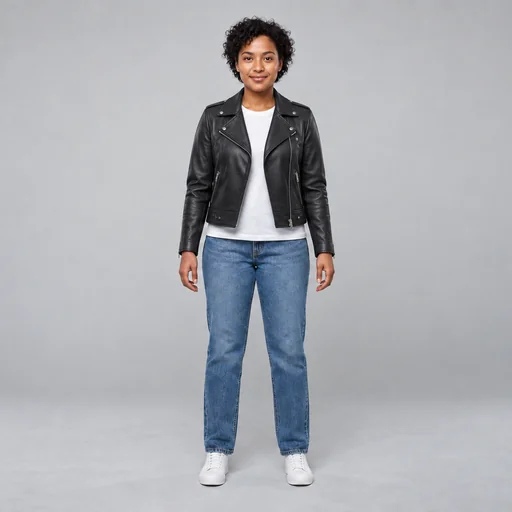
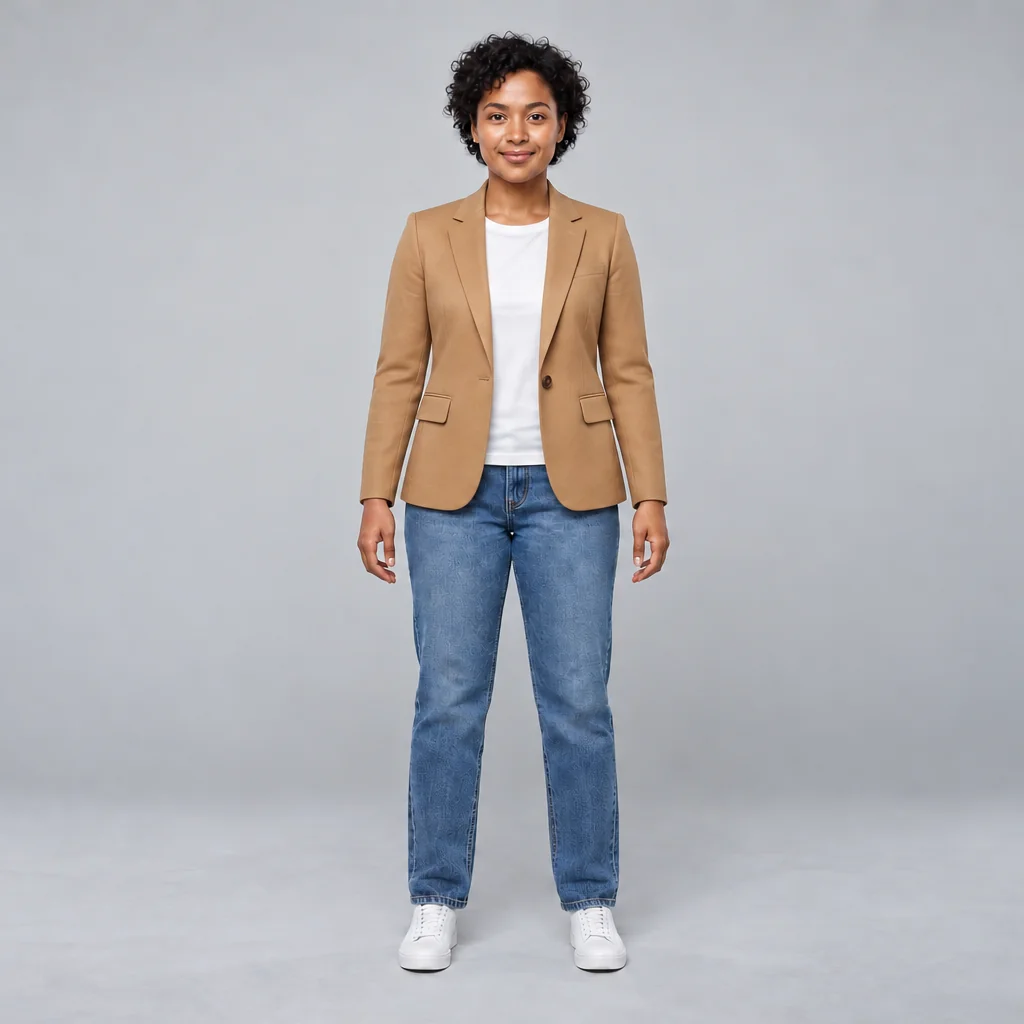
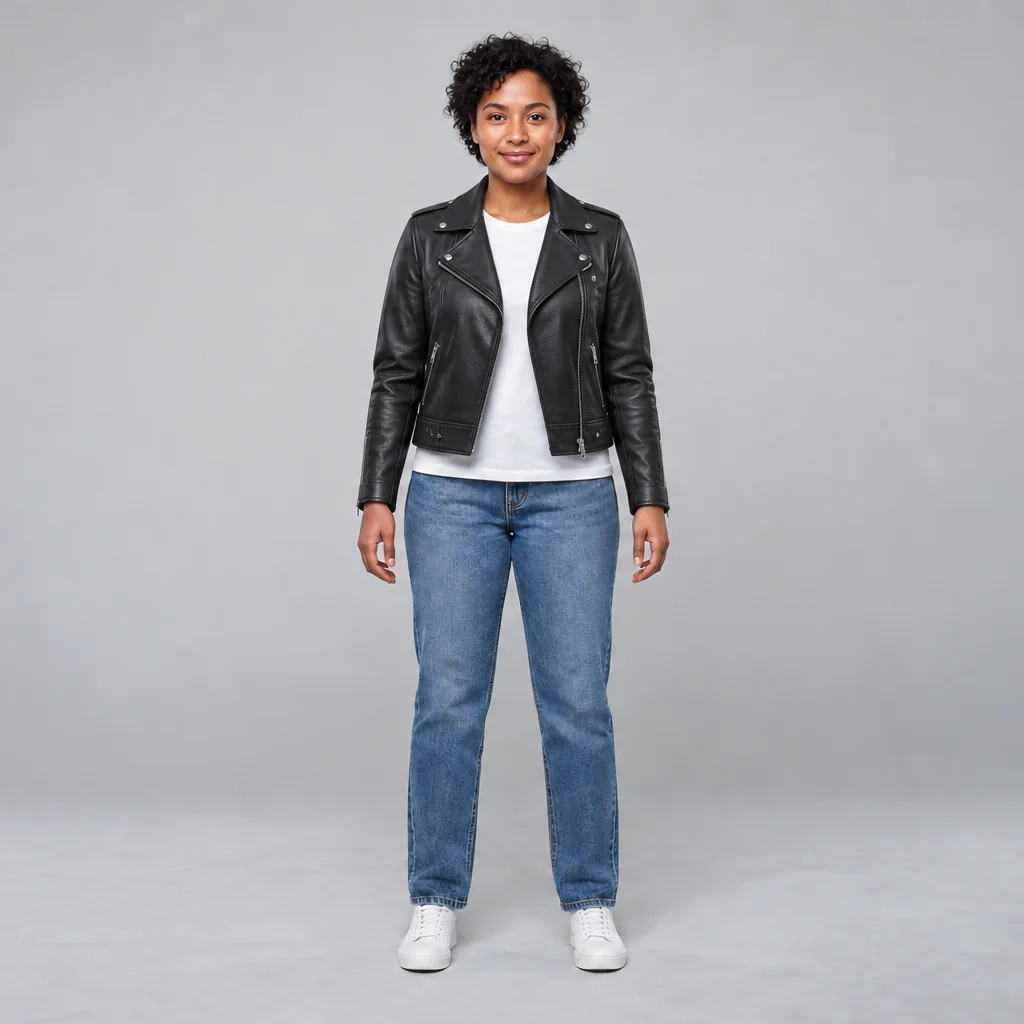
The fictional person wearing the supplied camel tailored jacket, with blue jeans and white shoes in a gray studio.Woman wearing an olive field jacket over a white T-shirt with jeans and white sneakers in a gray studio.A woman stands against a gray studio background wearing a dark denim jacket over a white shirt with jeans and white sneakers.Woman wearing a navy quilted jacket over a white T-shirt with jeans and white sneakers in a gray studio.A woman stands against a gray studio background wearing a black leather jacket, white shirt, blue jeans, and white sneakers.

Try On New Outfits

Upload your photo and describe clothing you want to visualize, including details about fit, fabric, color, and accessories.

  1. Upload
  2. Log in
  3. Create
  • Start with your photo

    Upload the photo you want to use, showing the person and pose for outfit visualization.

  • Shape the outfit details

    Describe the garment, color, fabric, fit, accessories, and lighting, then request changes in follow-up words.

  • Keep your identity recognizable

    Ask to preserve the person’s face, body proportions, pose, and identity, then review the clothing fit and natural folds.

Outfit visualization

Preview a new look on your photo

Explore jackets, dresses, suits, or accessories on your photo by describing the look, fit, fabric, and details you want.

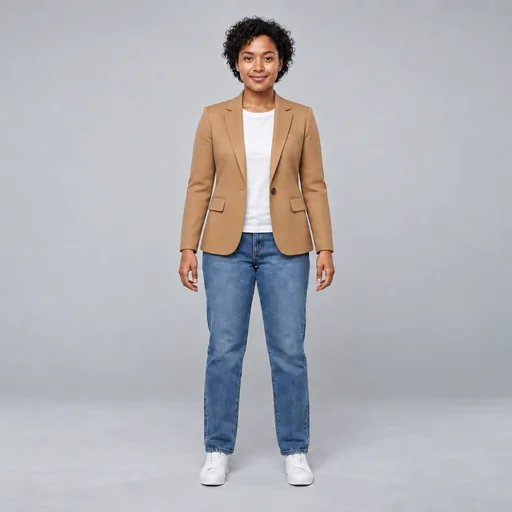
The fictional person wearing the supplied camel tailored jacket, with blue jeans and white shoes in a gray studio.
Source 1 for Outfit try-on: full body neutral studio person.Source 2 for Outfit try-on: fictional camel blazer worn reference.
A woman stands against a gray studio background wearing a black leather jacket, white shirt, blue jeans, and white sneakers.
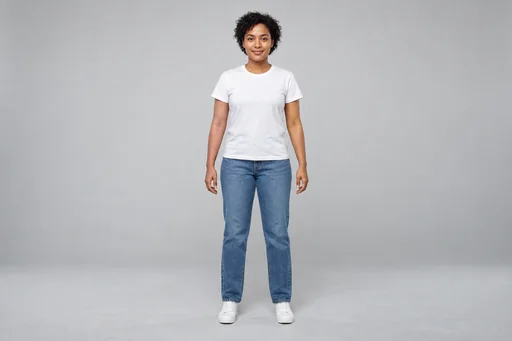
Source 1 for Outfit try-on: full body neutral studio person.
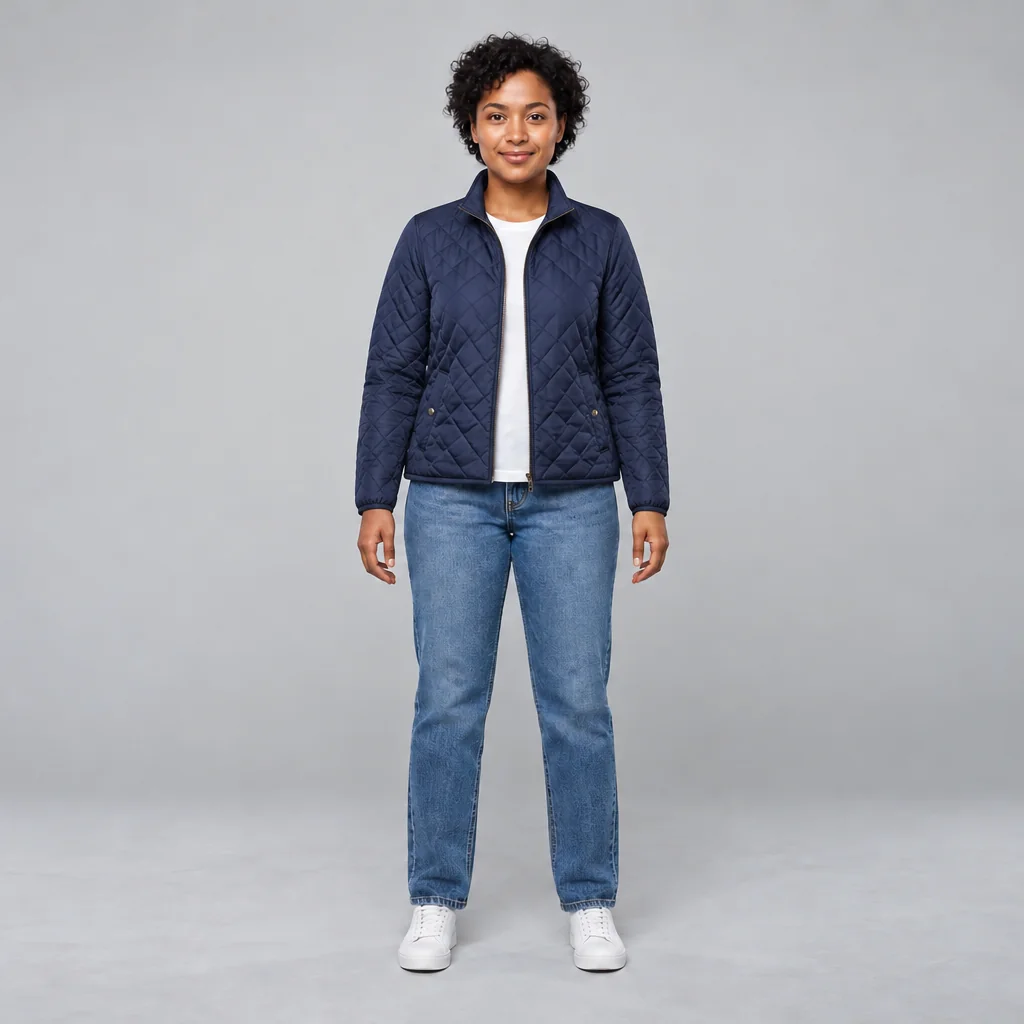
Woman wearing a navy quilted jacket over a white T-shirt with jeans and white sneakers in a gray studio.
Source 1 for Outfit try-on: full body neutral studio person.

Get started

Upload a full-body photo, describe the clothing to preview and review the fit and recognizable features.

Step 1

Add your photo

Choose a clear full-body photo with the clothing and shoes visible.
Step 2

Describe the outfit

Request the clothing you want to preview while keeping your face, body and pose unchanged.

Step 3: Review the outfit. The fictional person wearing the supplied camel tailored jacket, with blue jeans and white shoes in a gray studio.

Step 3

Review the outfit

Check the garments, realistic fit and preserved face, body and pose.