Step 1
Add your portrait
Choose a clear portrait to use as the reference for your palette.
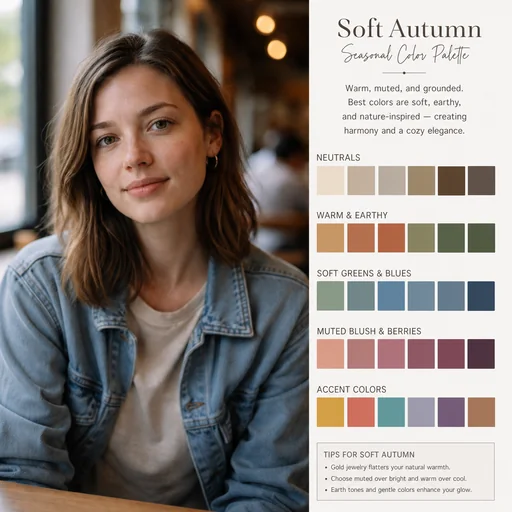

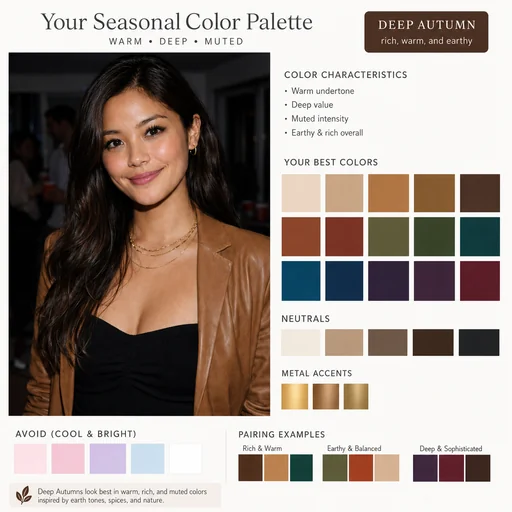
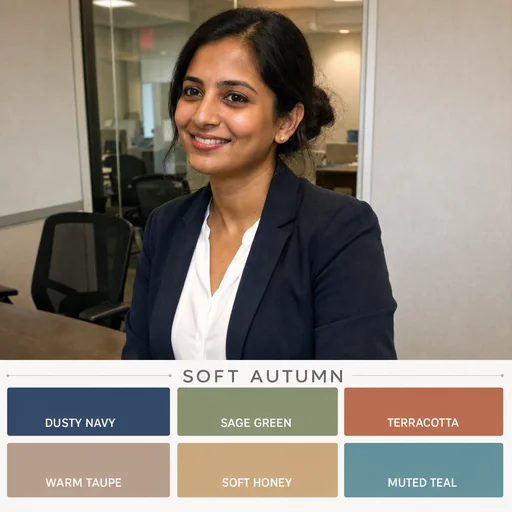

Turn your portrait into a clear seasonal palette with swatches that complement your natural skin tone and coloring.
Upload a clear, well-lit portrait of the person for accurate seasonal color analysis.
Describe skin undertone, eye color, hair texture, and the seasonal direction you prefer.
Review swatches and request preservation of skin tone, facial geometry, and hair texture.
Personal color analysis
Upload a portrait and get a clean, labeled swatch board that highlights harmonizing hues while keeping your subject fully recognizable.
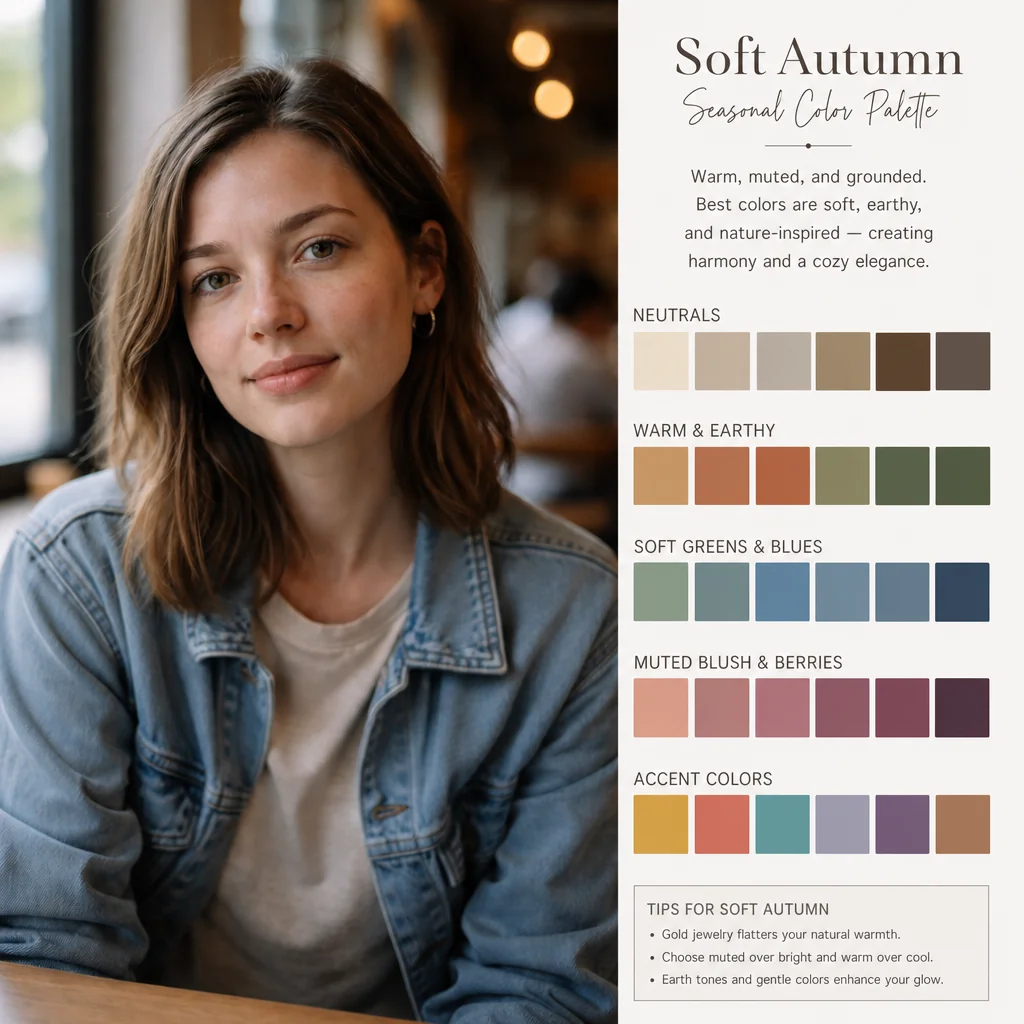



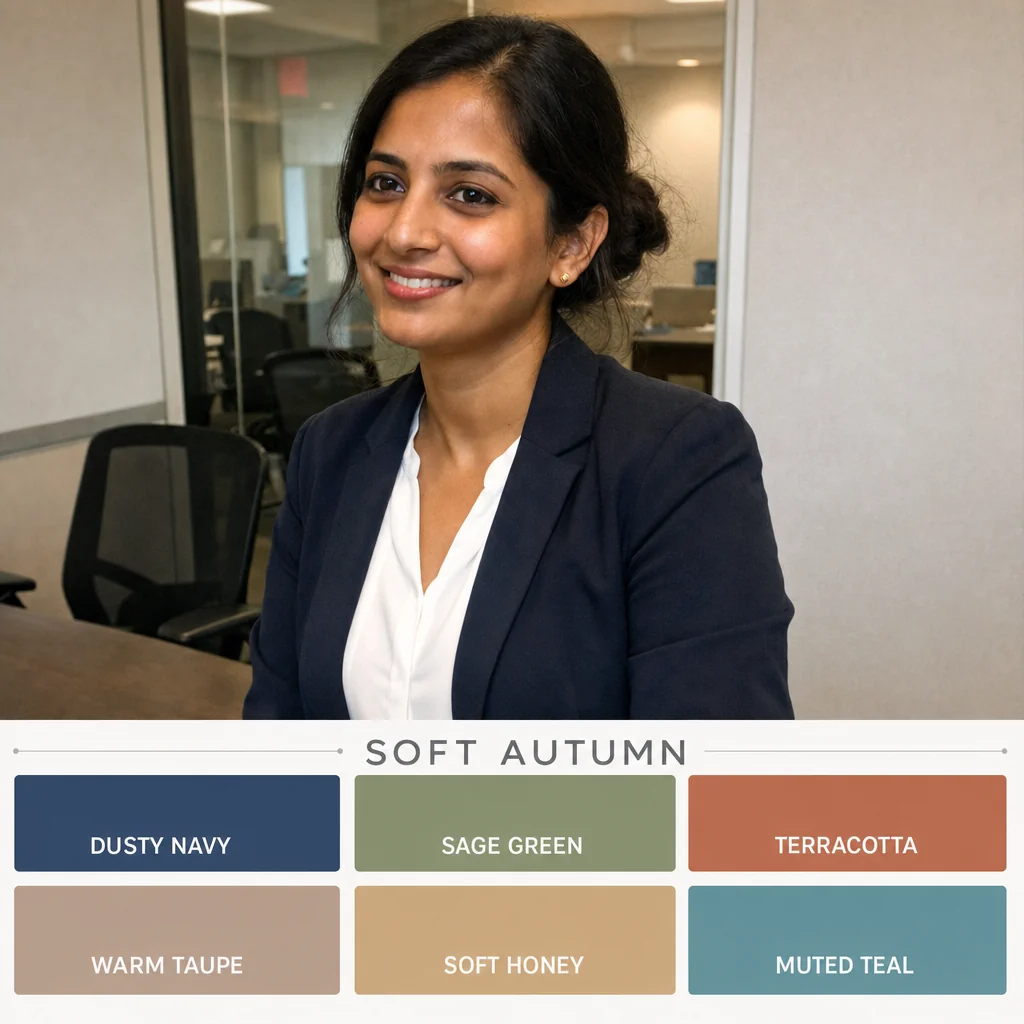

Upload a portrait, request a color palette and review the portrait and coordinated swatches.
Step 1
Choose a clear portrait to use as the reference for your palette.
Step 2
Describe the type of palette you want from the attached portrait.
Step 3
Check that the portrait stays recognizable and the colors work together for your intended use.