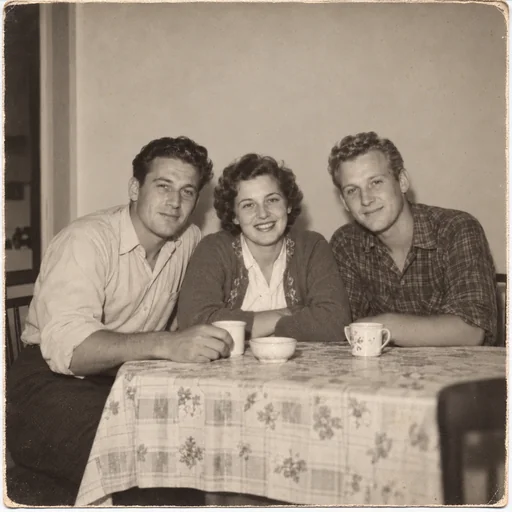
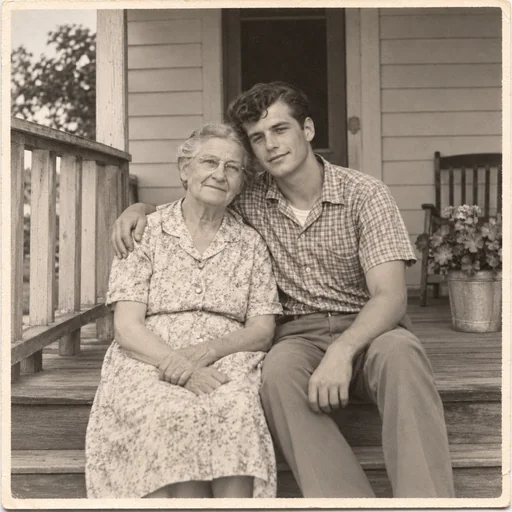
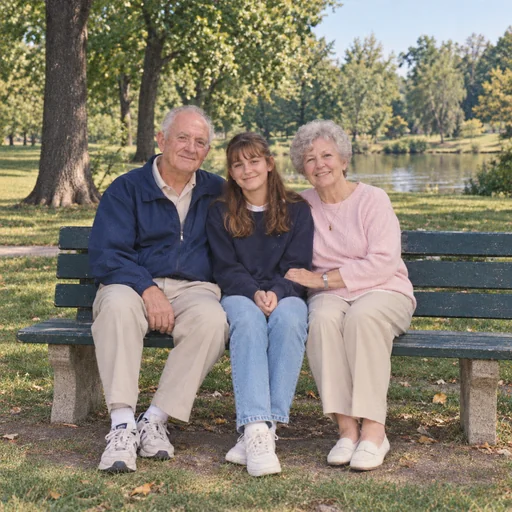
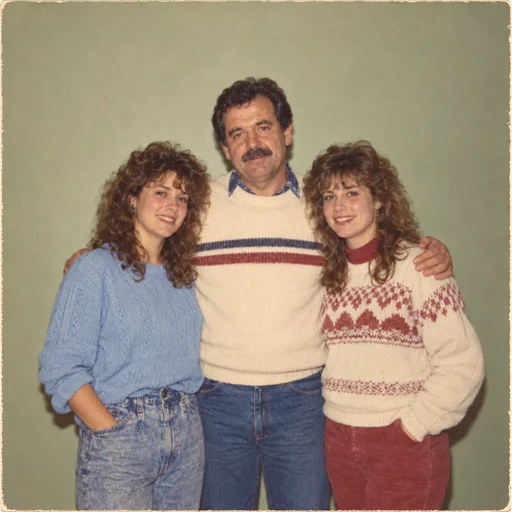
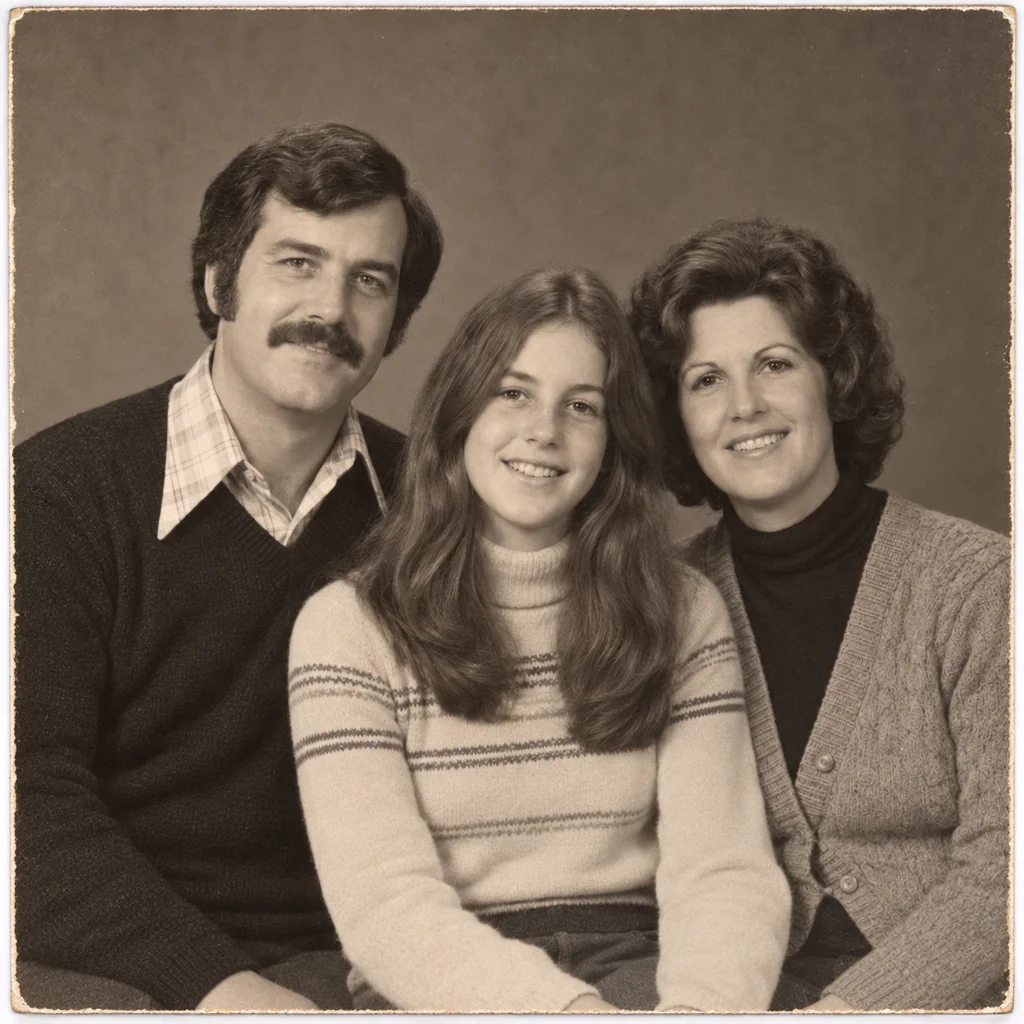
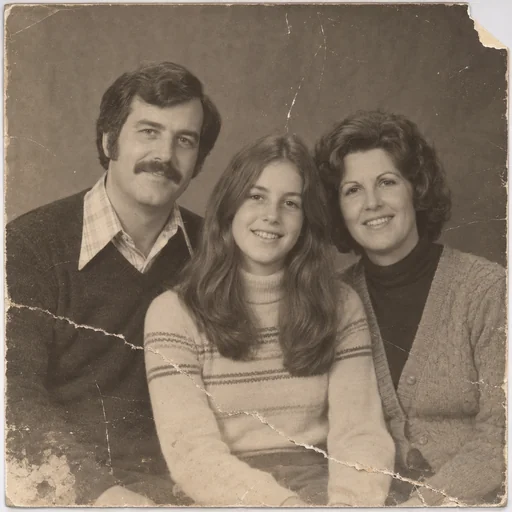
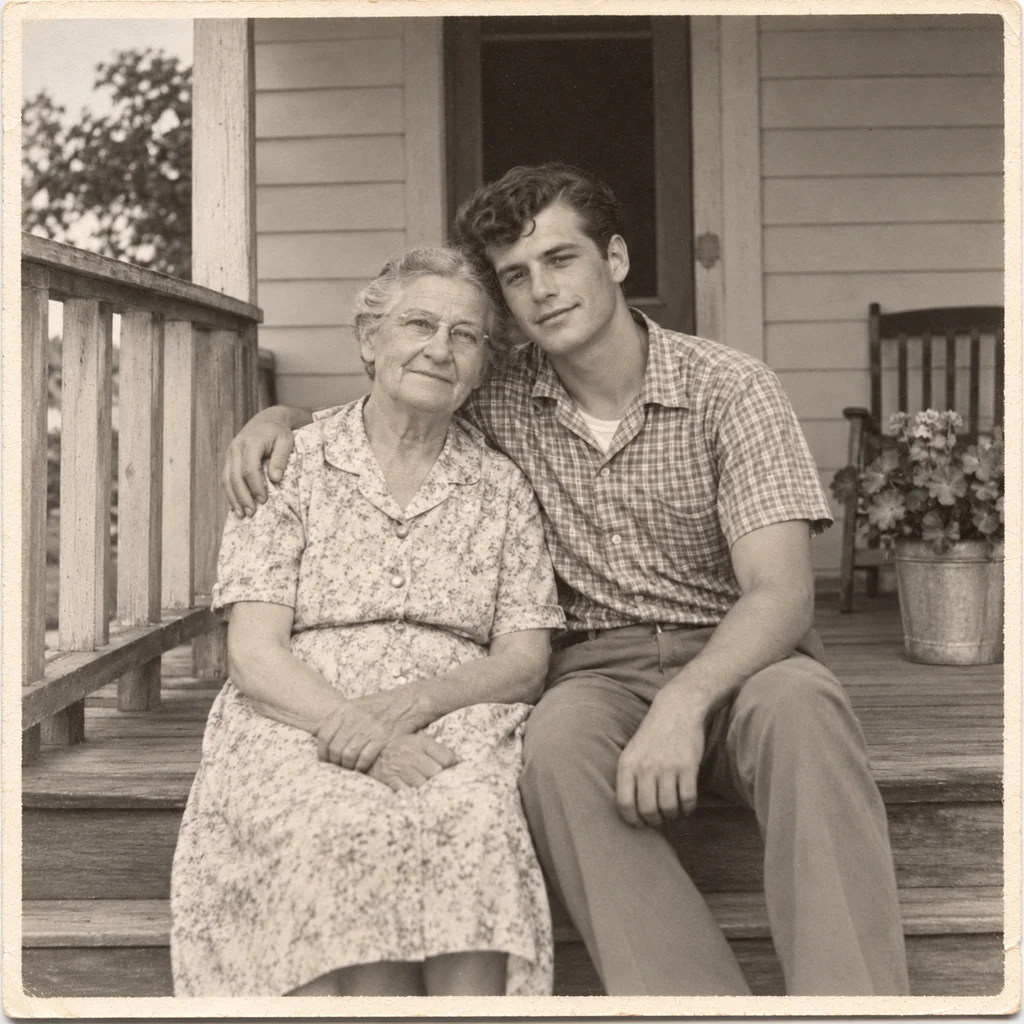
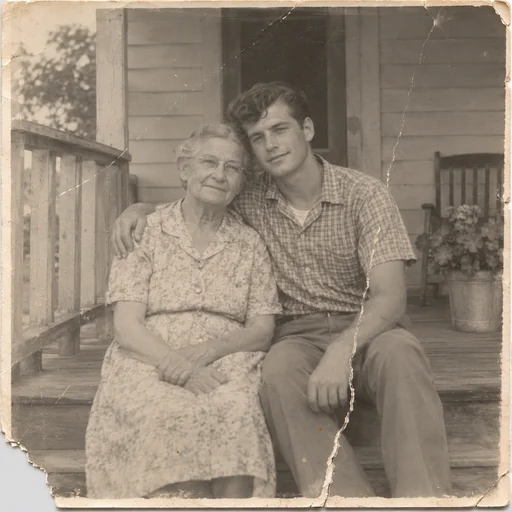
A repaired sepia family portrait of two parents and their daughter against a plain studio backdrop.A repaired monochrome photograph of three siblings seated at a kitchen table with cups.A repaired monochrome family photo of an older woman and a young man seated together on a wooden porch.A repaired family photograph of two grandparents and a girl seated on a park bench beside a pond.A repaired faded color family portrait of a man standing between two young women against a plain indoor wall.

Torn photo repair

Restore tears, rips, and missing corners in your scanned photos while keeping faces, expressions, and photographic character intact.

  1. Upload
  2. Log in
  3. Create
  • Upload your scan

    Upload the best-scanned torn photo, including any adjoining pieces or versos for reference.

  • Describe repair details

    Describe tears, missing corners, fading, era, and grain so the repair matches original character.

  • Keep faces recognizable

    Review restored areas and ask to preserve expressions, framing, and period-accurate texture.

Photo restoration

Repair tears and missing pieces

Explore restored photographs with the original people, expressions and photographic character retained.

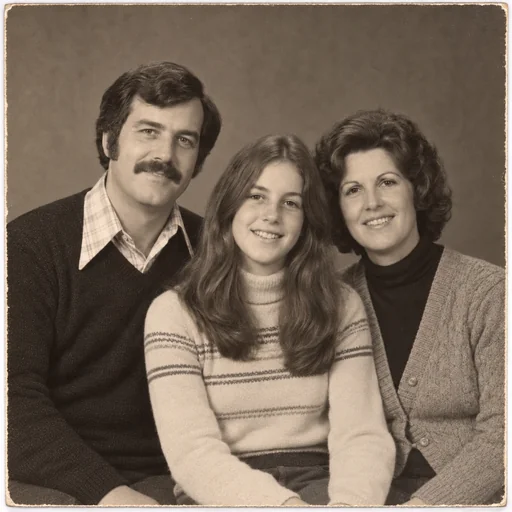
A repaired sepia family portrait of two parents and their daughter against a plain studio backdrop.
Source 1 for Torn photo repair: studio parents teen 1970s.
A repaired monochrome family photo of an older woman and a young man seated together on a wooden porch.
Source 1 for Torn photo repair: grandmother grandson porch 1960s.
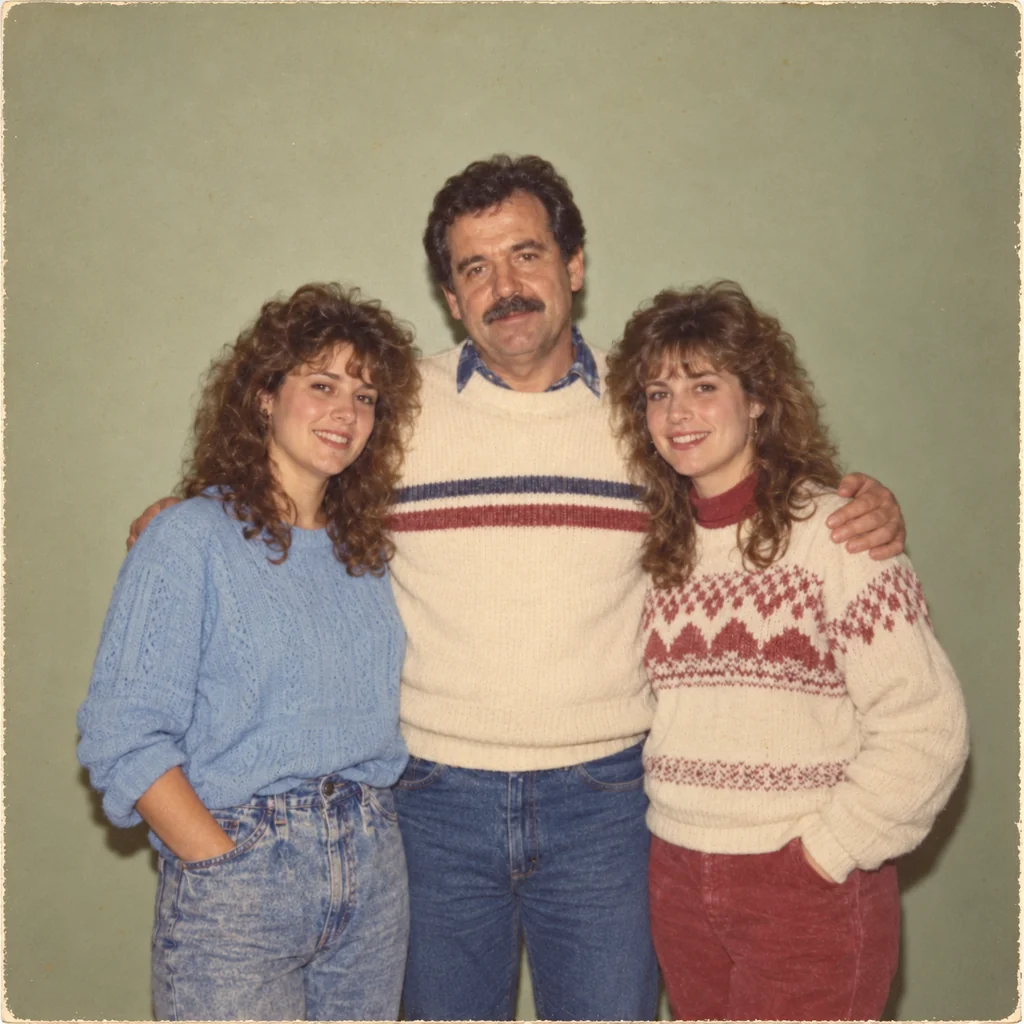
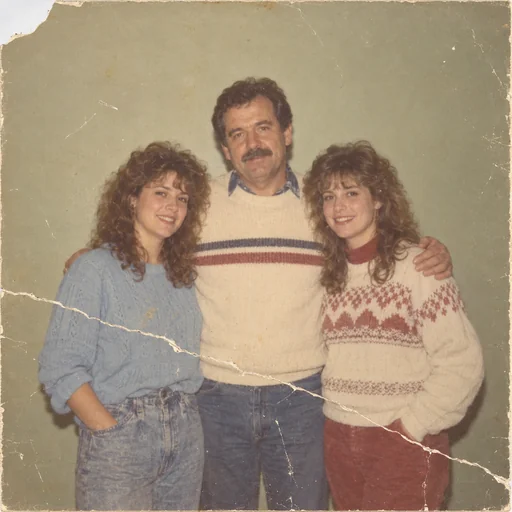
A repaired faded color family portrait of a man standing between two young women against a plain indoor wall.
Source 1 for Torn photo repair: father adult daughters indoor 1980s.

Get started

Upload your scanned photo, describe the repair and details to preserve, then review the restored result.

Step 1

Upload your scanned photo

Start with the original imperfect scanned photo you want to improve.
Step 2

Describe the repair

Use this request to improve the photo while preserving its people, expressions and scene.

Step 3: Review the restored result. A repaired sepia family portrait of two parents and their daughter against a plain studio backdrop.

Step 3

Review the restored result

Compare faces, expressions, clothing and scene details with your original photo.