Step 1
Upload your room photo
Start with the actual room photo you want to change.
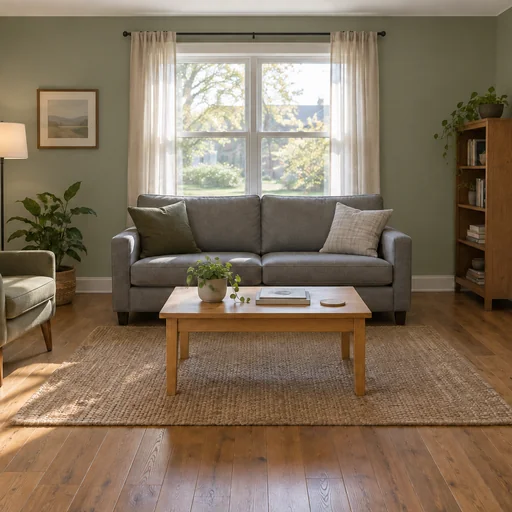
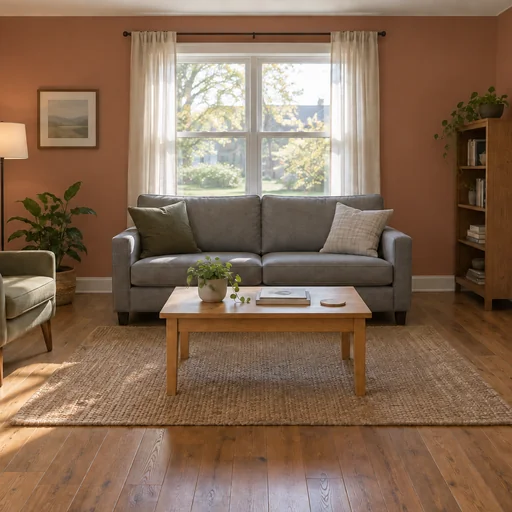
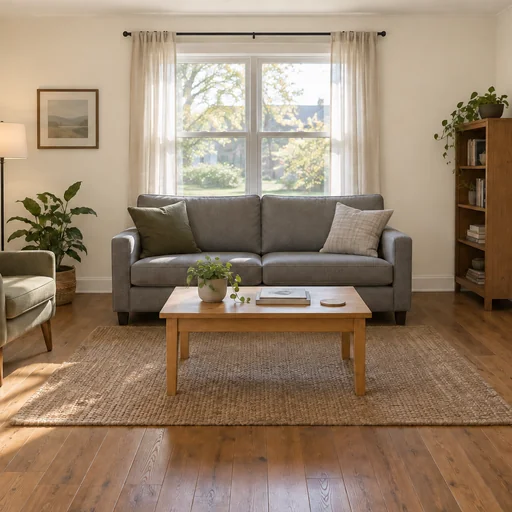
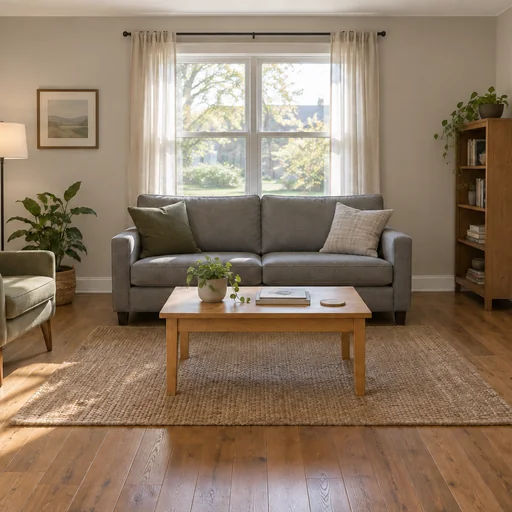
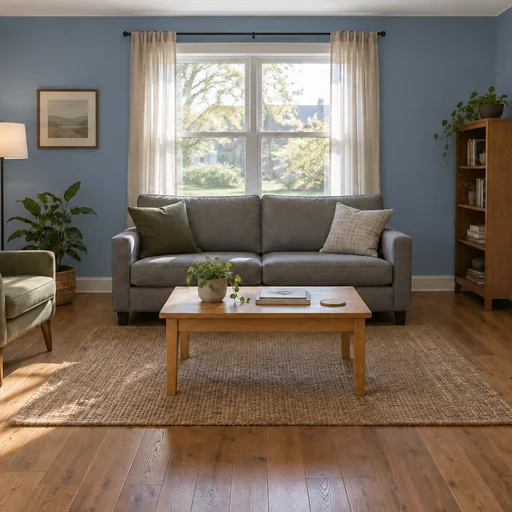
Upload a photo of your room to preview new wall paint colors and sheens rendered realistically in place.
Upload a straight-on room photo showing walls, trim, and natural lighting as reference.
Describe color, sheen, accent walls, and which surfaces to change or preserve.
Review the preview to ensure trim, fixtures, and room layout remain unchanged.
Material & finish
Explore three wall paint concepts in the same recognizable room.
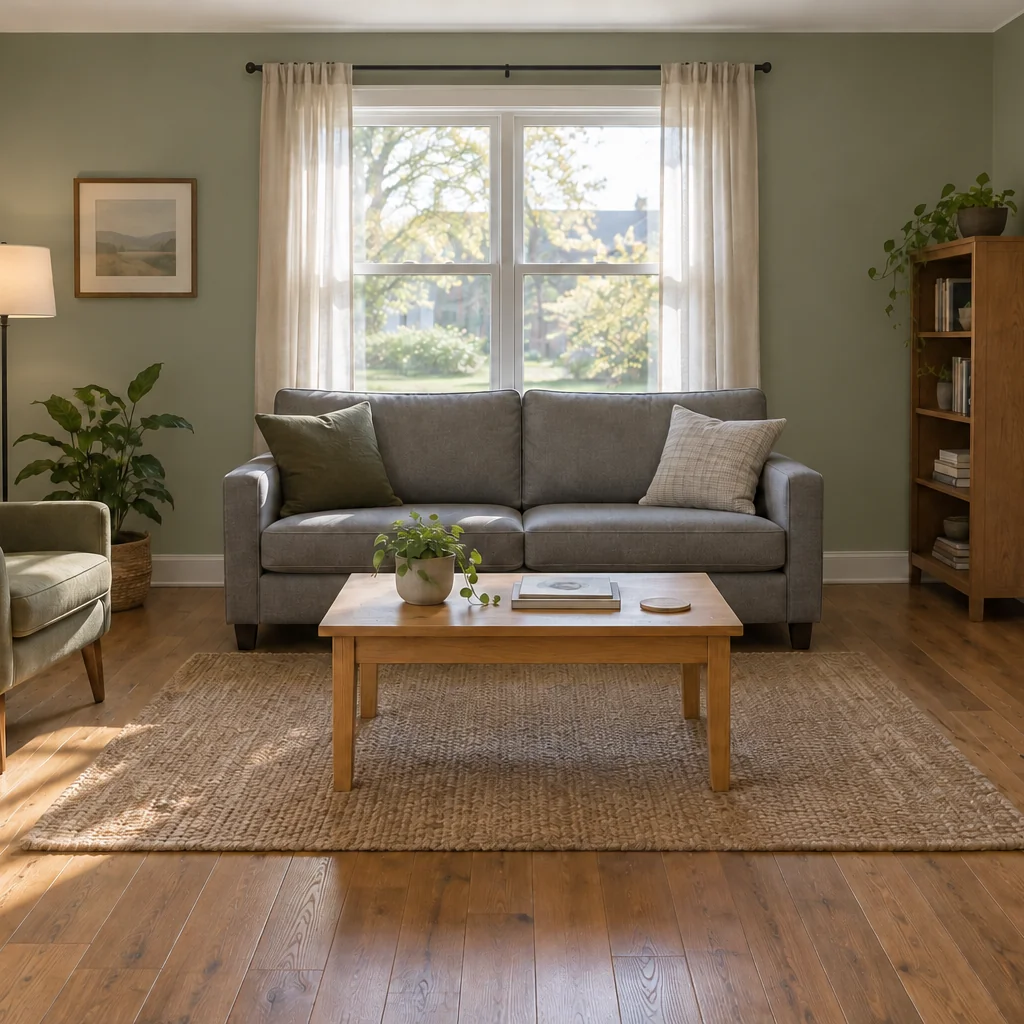
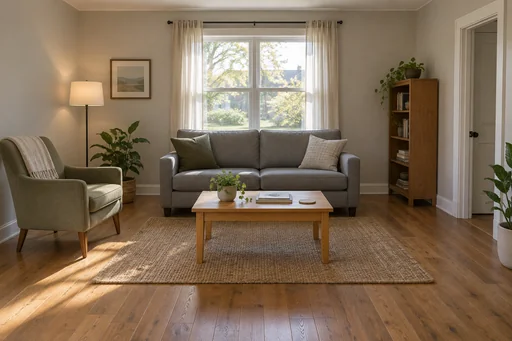
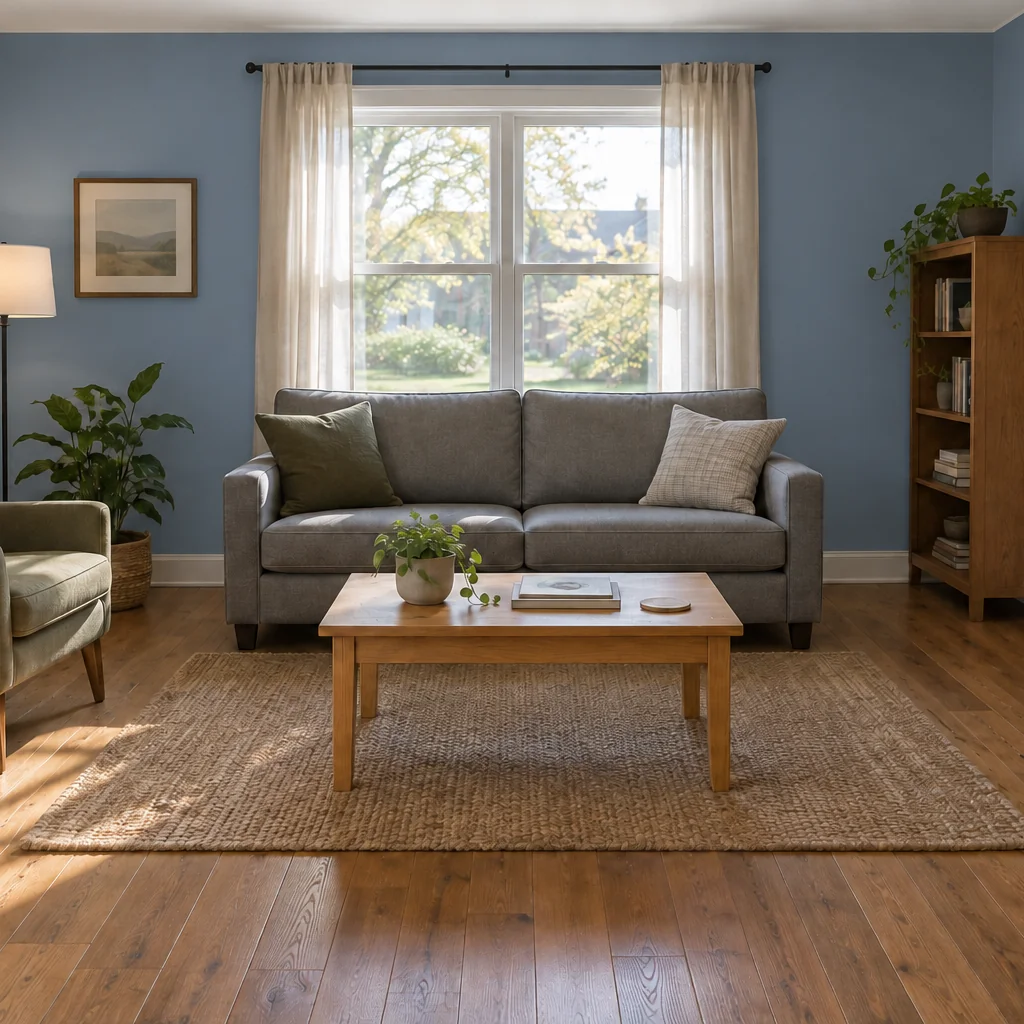
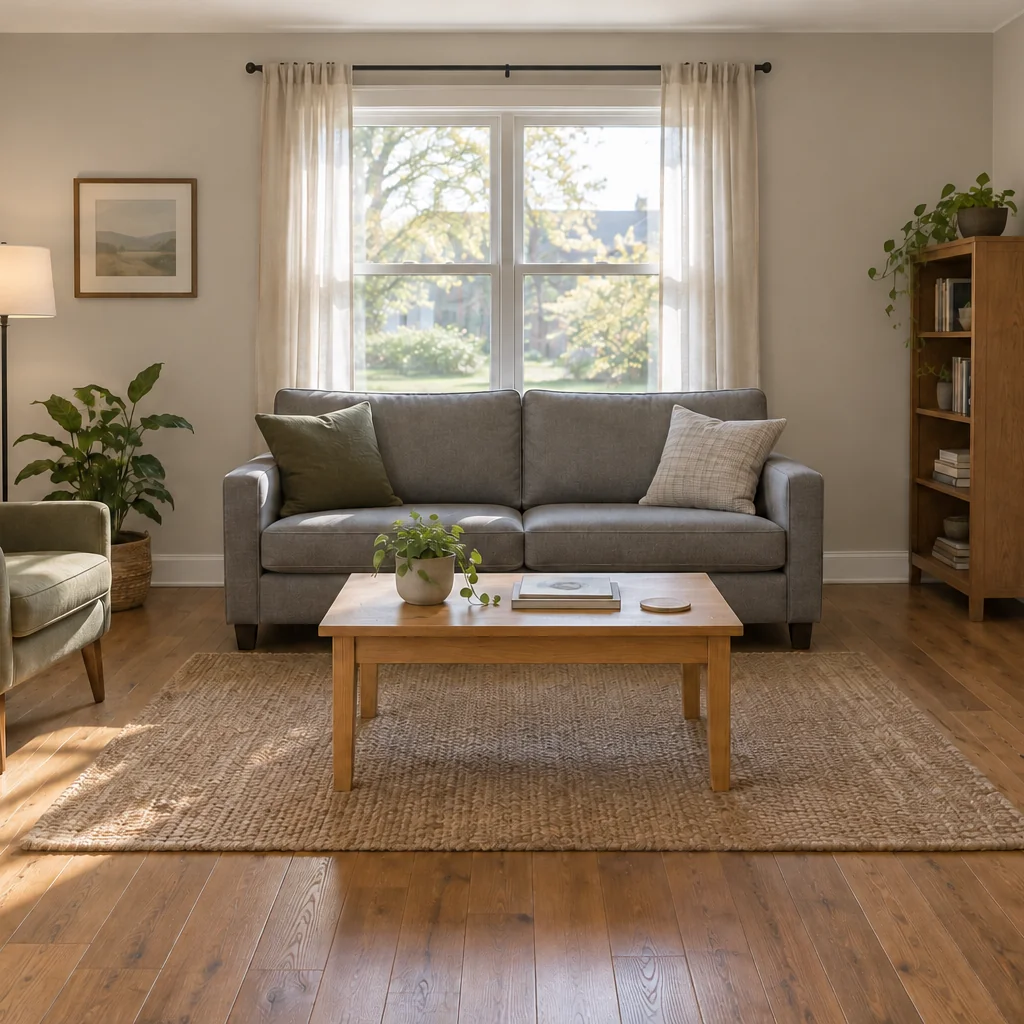
Upload your room photo, describe the wall paint, then review the result against your original.
Step 1
Start with the actual room photo you want to change.
Step 2
Specify the wall paint in words and keep this same photo attached.
Step 3
Check the requested wall paint and confirm the original structure, perspective and unrequested details remain.